01
Start with the platform overview
Get the mental model first so launch, queue work, and claim handoffs make sense before you evaluate the feature map.
Open this stepclaimOS Help Center
Start with the curated path through launch, live claim work, and day-to-day execution.
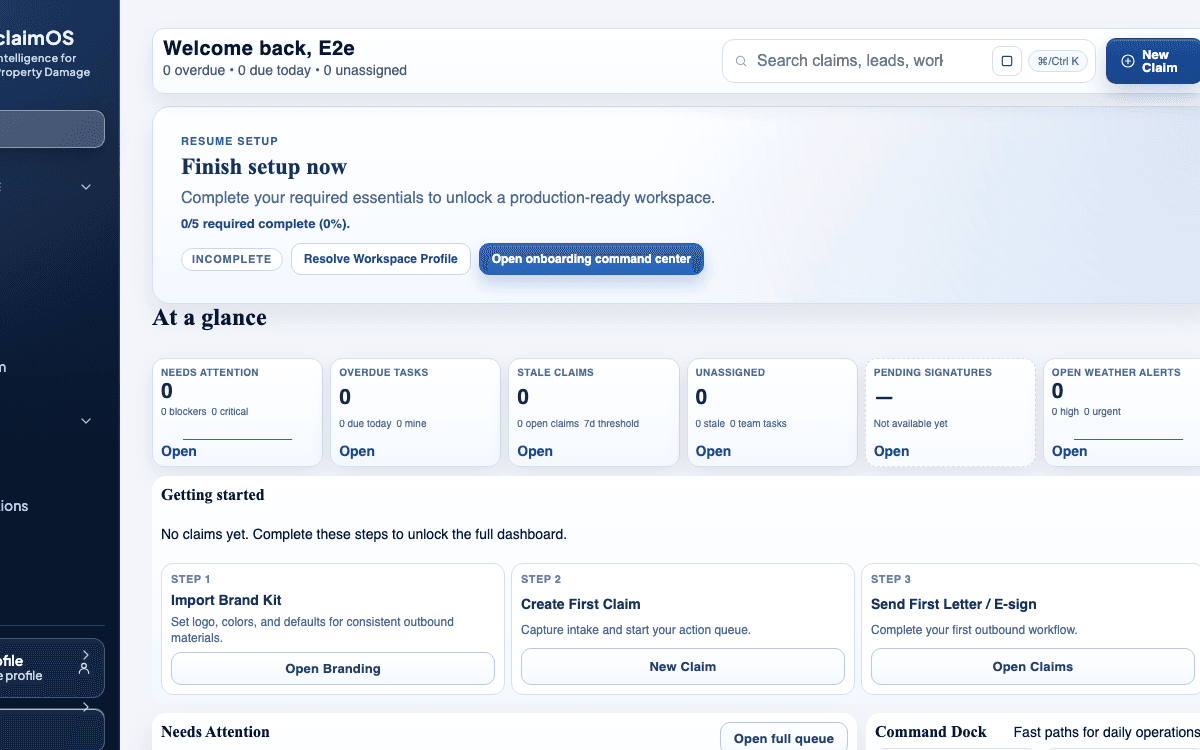
Flagship proof
Use this frame to understand the claimOS operating model at a glance: launch progress, the next critical mission, and the surfaces the team will use once work is live.
Start Here
The first three moments matter most: understand the operating model, launch one clean workflow, and then see how the platform carries daily execution without handoff drift.
01
Get the mental model first so launch, queue work, and claim handoffs make sense before you evaluate the feature map.
Open this step02
Move from activation into a team-ready launch path without dead-end setup work or guesswork about what to do next.
Open this step03
Once setup is clear, learn how operators work the queue, review claims, and keep handoffs visible day to day.
Open this stepChoose your format
Start with the shortest high-signal path for your team. The guide lane is better for structure and step-by-step reading; the walkthrough lane is better for visual proof and fast internal sharing.
Guides
Use these when you want the cleanest written path through setup, first live work, and the claims team operating model.
Get a practical overview of how claimOS connects launch, live claim work, communications, evidence, and reporting so a team can operate from one shared system instead of stitching together handoffs manually.
Understand the operating model behind claimOS before you decide how the team should launch, route work, and manage handoffs inside it day to day.
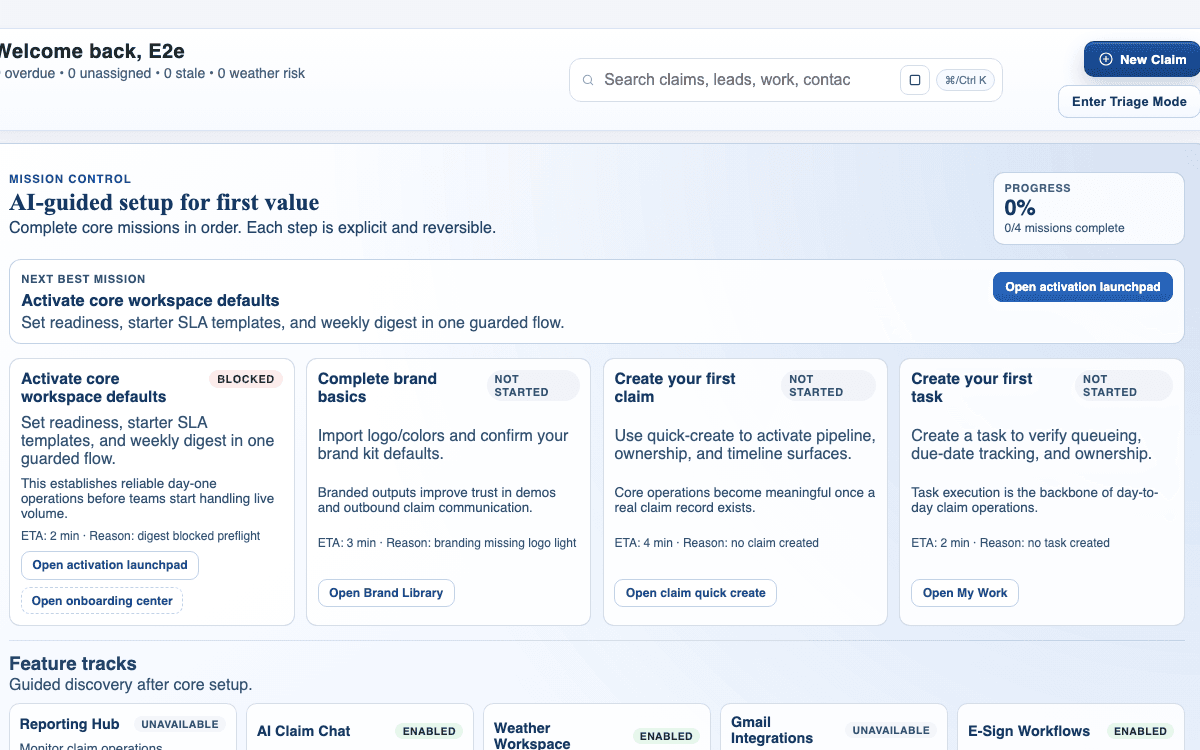
Use onboarding to configure the essentials that unblock your team's first live workflow in claimOS without wandering through scattered settings pages or launching half-finished defaults.
Move from activation to a workspace that feels branded, controlled, and ready for the first real claim your team needs to work without confusing operators on day one.
Walkthroughs
Start here when the team wants product proof first, then open the deeper written guide only after the workflow is clear.
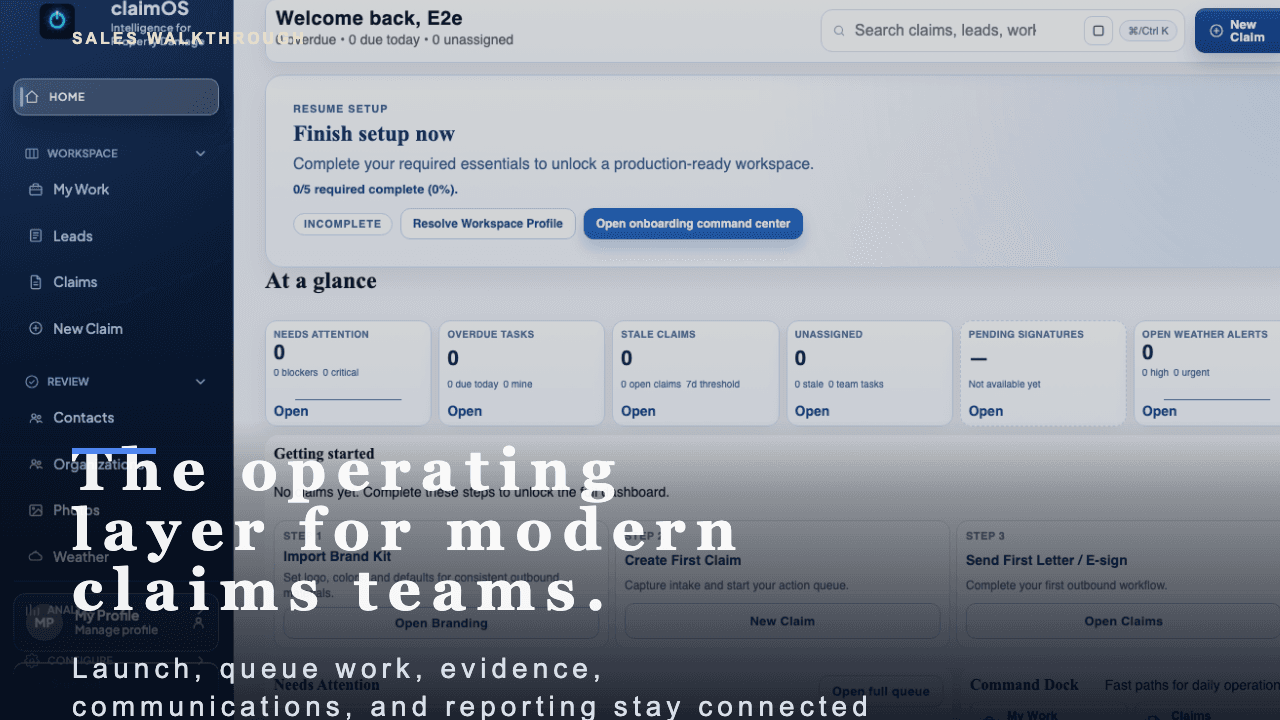
A short buyer-facing walkthrough of how claimOS becomes the operating layer for launch, live claims work, evidence, communications, and reporting.
Start with the high-level buyer question: what does claimOS unify that most teams currently spread across multiple tools and private follow-up loops?
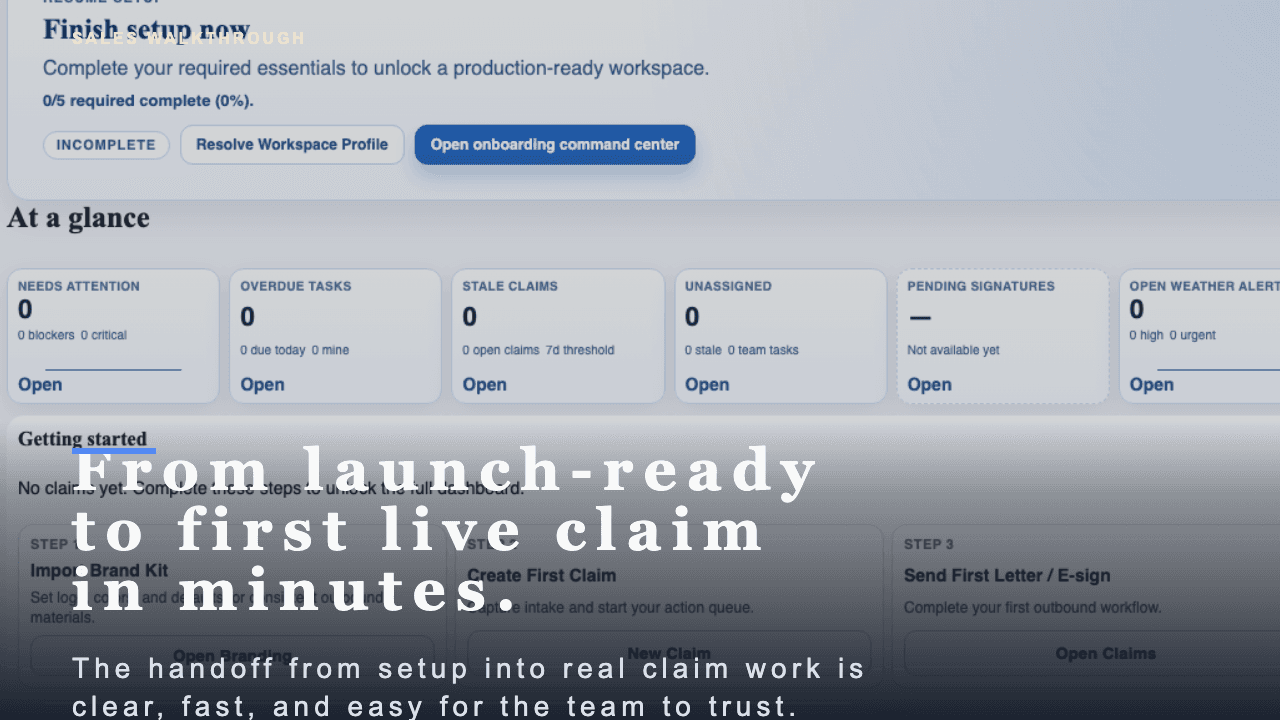
A short buyer-facing walkthrough of how claimOS turns launch readiness into the first live claim without losing momentum, context, or team trust.
See how claimOS points the team from launch readiness straight into the first live workflow instead of leaving them to figure out the handoff manually.
Browse by operating stage
12 guides and 6 walkthroughs are organized around launch, execution, and deeper reference work.
Guides
Start with launch and first-use guides, then move into daily execution and deeper operational reference.
Showing four curated guides by default so this section feels like a path, not a feed.
Get a practical overview of how claimOS connects launch, live claim work, communications, evidence, and reporting so a team can operate from one shared system instead of stitching together handoffs manually.
Understand the operating model behind claimOS before you decide how the team should launch, route work, and manage handoffs inside it day to day.
Use onboarding to configure the essentials that unblock your team's first live workflow in claimOS without wandering through scattered settings pages or launching half-finished defaults.
Move from activation to a workspace that feels branded, controlled, and ready for the first real claim your team needs to work without confusing operators on day one.
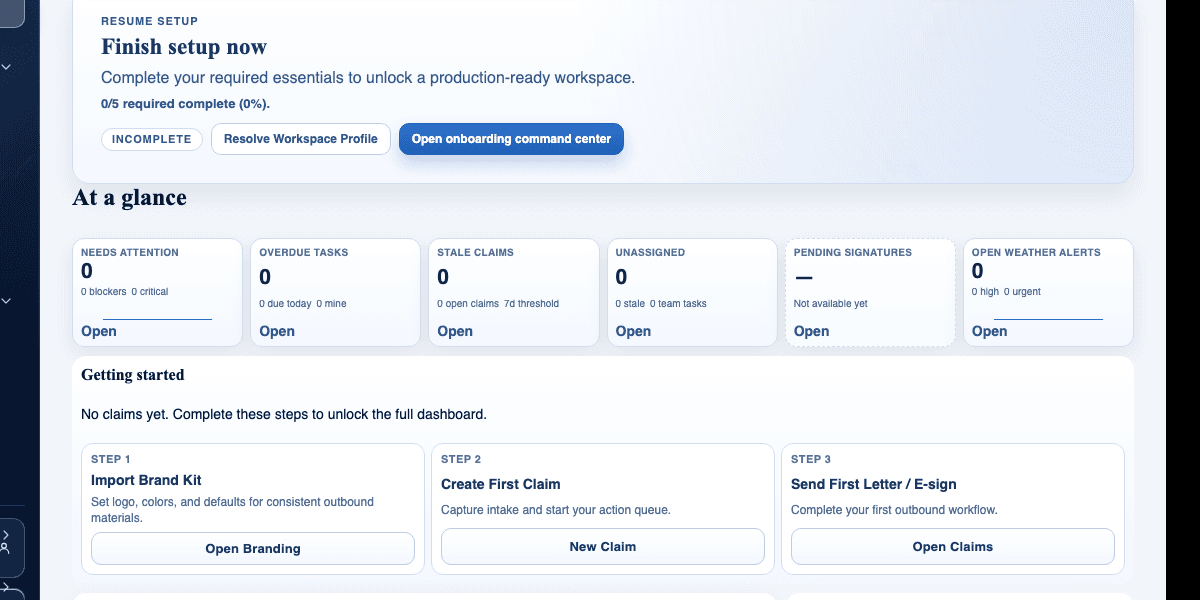
Create your first live claim in claimOS so the team can move from setup into real execution without getting stuck in unnecessary data entry or unowned records.
Get one claim into the system with enough structure for the team to assign work, review evidence, and act on it immediately without treating intake like a paperwork exercise.
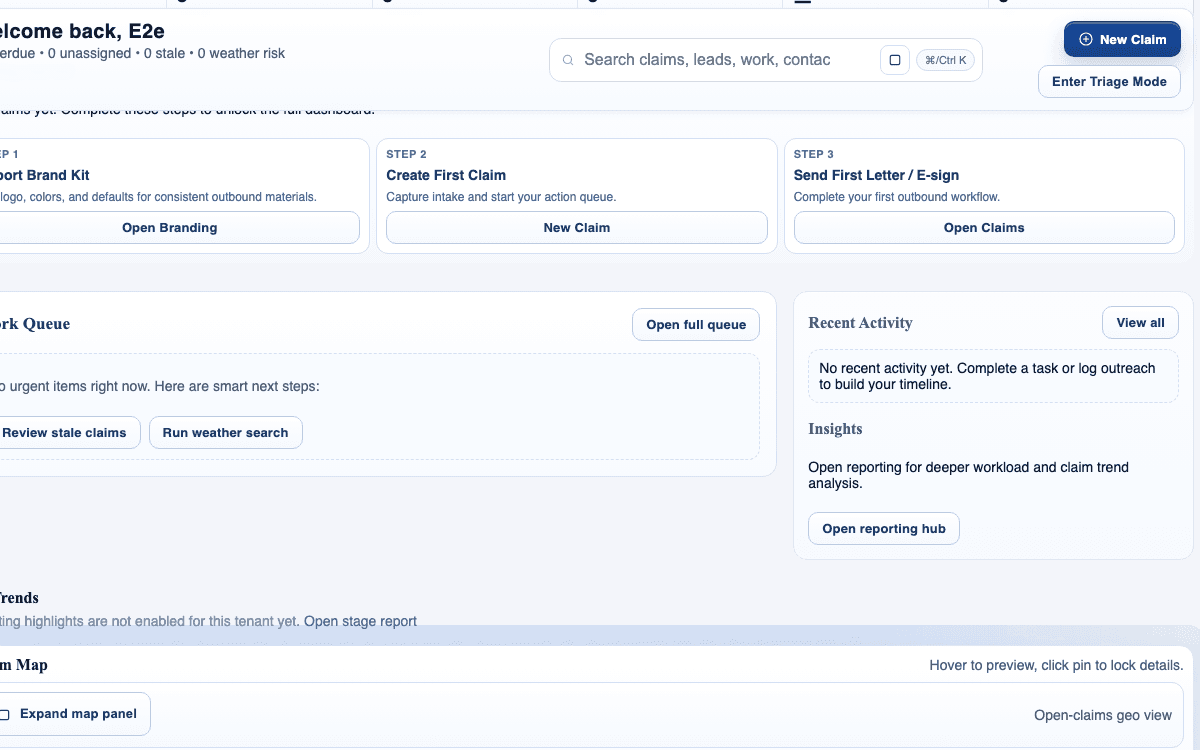
Use My Work to manage assigned tasks, due items, and next actions without losing sight of what matters first or which claims are starting to drift.
Turn My Work into the team's daily execution surface instead of treating it like a passive task list that people only check when something feels wrong.
Walkthroughs
Use the walkthroughs when the team wants the shortest visual proof, then open the paired guide only if deeper structure is needed.
Showing the quickest visual proof first, with the full walkthrough set available on demand.
A short buyer-facing walkthrough of how claimOS becomes the operating layer for launch, live claims work, evidence, communications, and reporting.
Start with the high-level buyer question: what does claimOS unify that most teams currently spread across multiple tools and private follow-up loops?
A short buyer-facing walkthrough of how claimOS turns launch readiness into the first live claim without losing momentum, context, or team trust.
See how claimOS points the team from launch readiness straight into the first live workflow instead of leaving them to figure out the handoff manually.
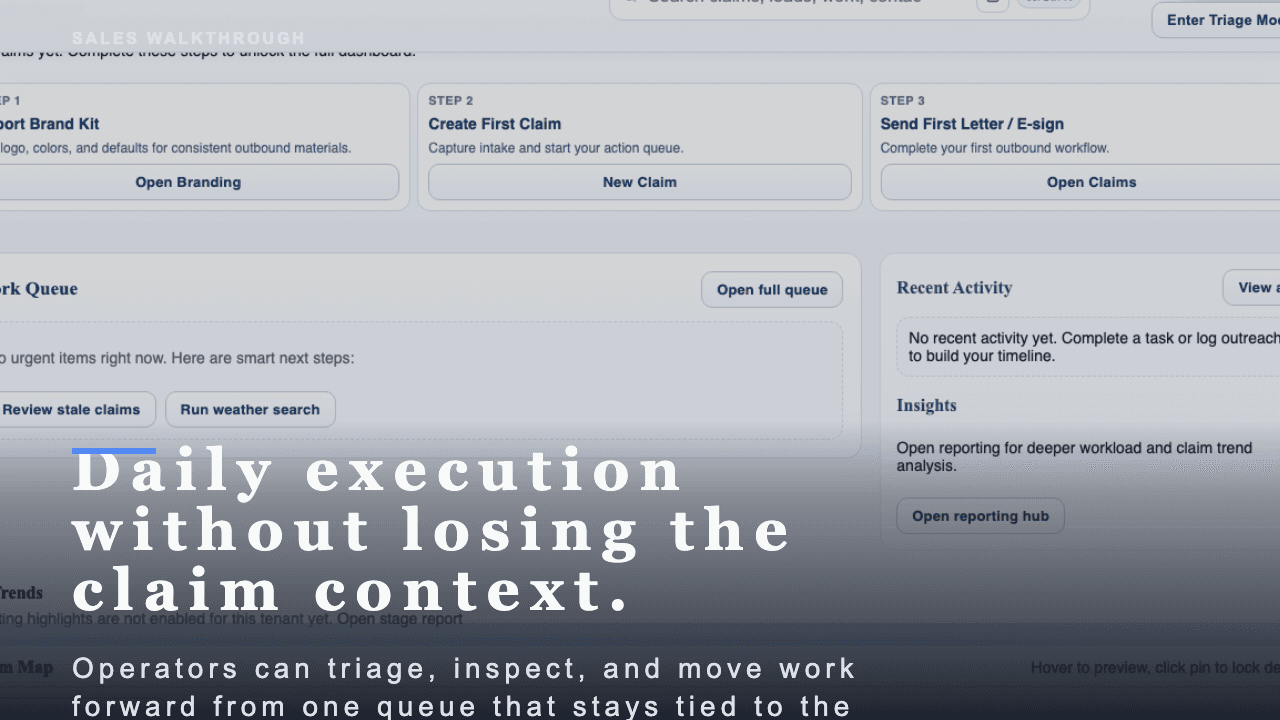
A short buyer-facing walkthrough of how claimOS helps operators work the day from one queue without losing the claim context.
Open on the queue signals that move the day forward instead of treating every row like equal work.
Buyer resources
These supporting resources stay available for deeper buyer research, operational terminology, and vendor comparison. Start with the flagship public-adjuster operations report if you need the big-picture modernization lens before diving into the narrower workflow guides.
Flagship operator guide
Browse all guidesRead the 2026 operator report on the disconnected public-adjuster stack, the failure points it creates, and the first workflows firms should modernize.
Open flagship guidePressure-test claimOS against generic CRM, work-management, and field-service tools once the product path is clear.
Open compare hubUse operational definitions for workflow, documentation, and estimate language when buyer terms start affecting rollout decisions.
Open glossaryMore operator resources
View guide libraryKey glossary terms
View glossary