Complete your workspace setup
Use onboarding to configure the essentials that unblock your team's first live workflow in claimOS without wandering through scattered settings pages or launching half-finished defaults.
Guide
Get a practical overview of how claimOS connects launch, live claim work, communications, evidence, and reporting so a team can operate from one shared system instead of stitching together handoffs manually.
Outcome
Understand the operating model behind claimOS before you decide how the team should launch, route work, and manage handoffs inside it day to day.
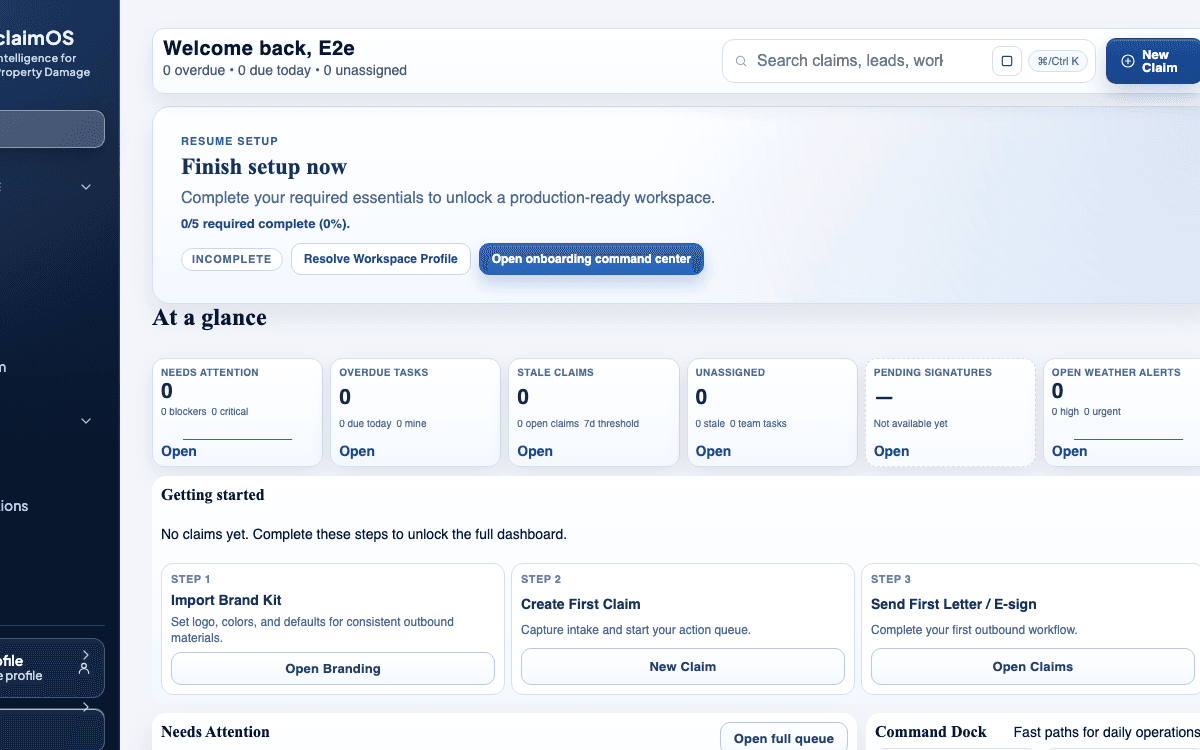
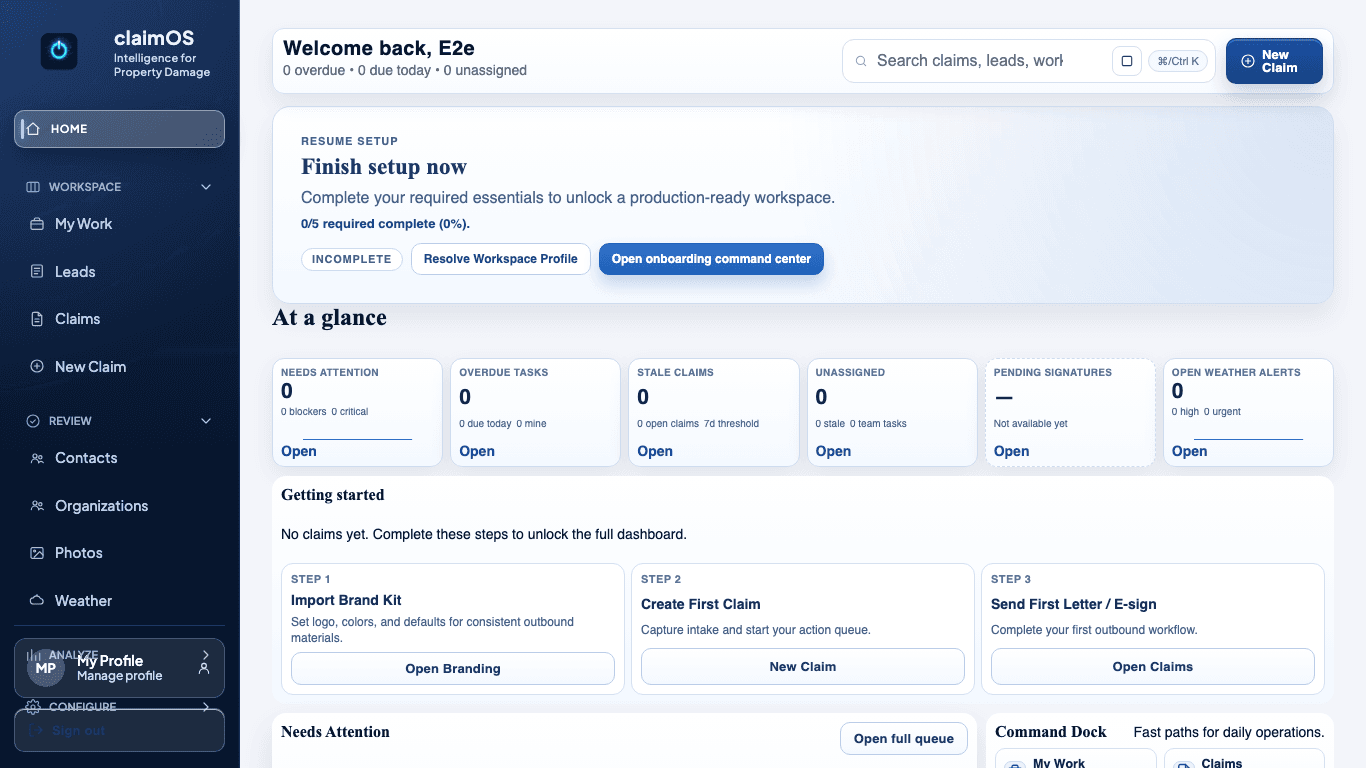
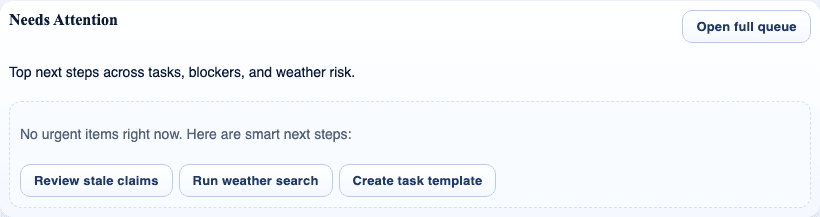
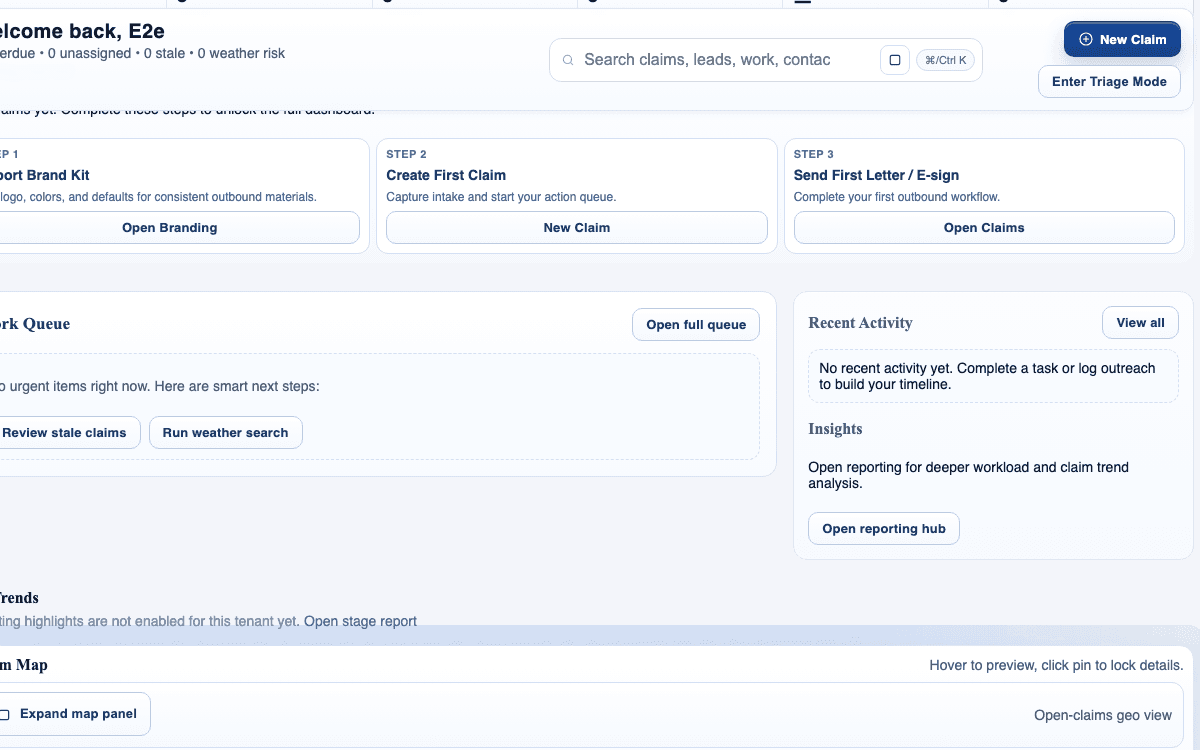
This guide is written for all teams and uses real claimOS screenshots so the instructions map cleanly to the product surface.
Prerequisites
Steps
claimOS is built to keep intake, active work, supporting evidence, outbound communication, and reporting in one connected system so teams do not lose context during handoffs.
Home and My Work help teams decide what to do next, Claims keeps the record and evidence together, and supporting surfaces like Communications, Weather, and Reporting add context only when the work actually demands it.
The fastest way to understand the platform is to imagine one claim moving from setup into intake, then into the queue, then into the claim workspace. claimOS makes the most sense when you view those surfaces as one flow instead of separate destinations.
The onboarding checklist is not just a tutorial. It is the fastest way to get branding, workspace defaults, and the first real claim path into a stable, team-ready state that operators can trust.
Needs attention, queue views, and the claim workspace are there to keep emerging risk visible. claimOS is not just about storing data, but about showing the team what requires action next.
The biggest gain comes when your team uses the connected surfaces together instead of recreating the workflow in spreadsheets, inbox folders, and side channels.
Before opening every feature page, ask whether the launch path, the first live claim, and the first queue handoff already feel clearer than your current workflow.
If those three moments still feel confusing, keep evaluating the core path first. Deeper settings and features are easier to judge once the operating model clicks.
Screenshots
Watch the paired walkthrough
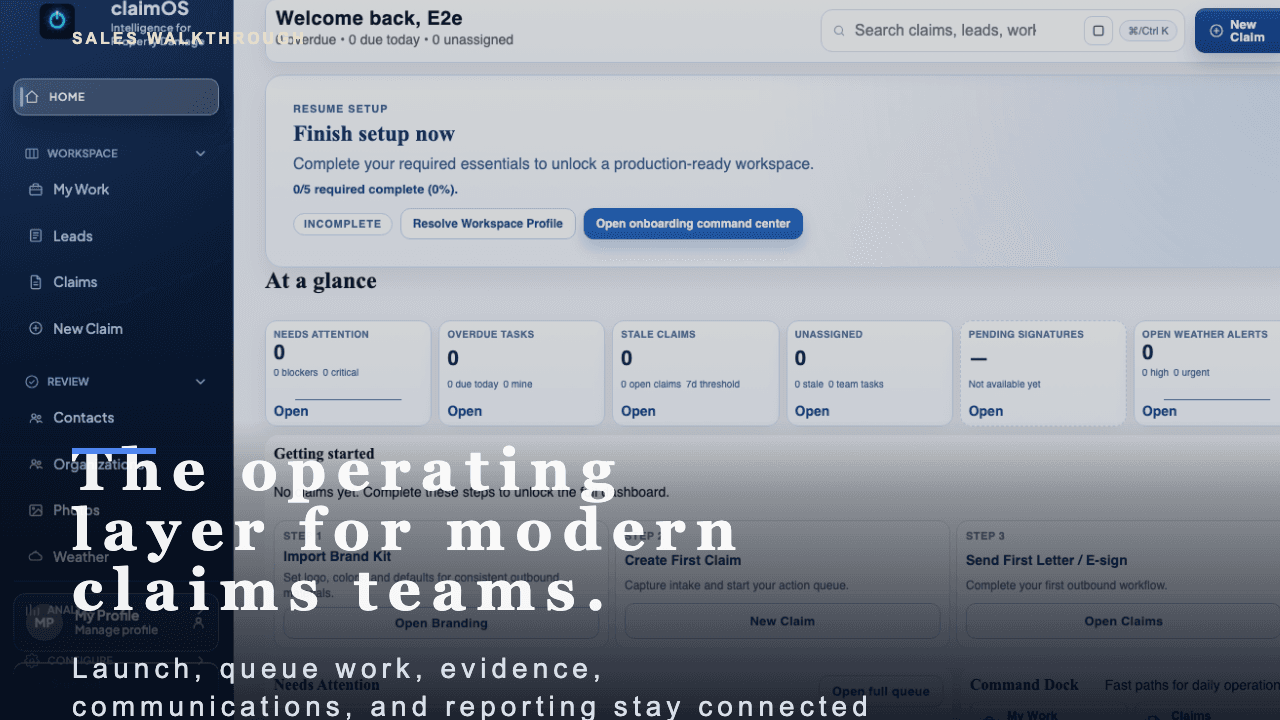
A short buyer-facing walkthrough of how claimOS becomes the operating layer for launch, live claims work, evidence, communications, and reporting.
Start with the high-level buyer question: what does claimOS unify that most teams currently spread across multiple tools and private follow-up loops?
Watch related walkthroughFAQ
No. Start with the essentials that unblock your first claim, then return to optional configuration once the team has a working path.
An owner or admin should handle the first-pass setup so defaults, permissions, and integrations stay consistent across the team.
Treat it like an operating model review, not a feature scavenger hunt. The fastest way to evaluate claimOS is to follow one claim from launch into active work and see whether context stays attached the whole way.
Start with workspace setup, first claim creation, and the first queue handoff. If those three moments feel clear, the rest of the platform usually becomes much easier to understand.
Keep Going