Guide

Create your first claim

Create your first live claim in claimOS so the team can move from setup into real execution without getting stuck in unnecessary data entry or unowned records.

Intake and AcquisitionAll teamsUpdated Mar 12, 2026Step-by-step

Outcome

What this helps you do

Get one claim into the system with enough structure for the team to assign work, review evidence, and act on it immediately without treating intake like a paperwork exercise.

This guide is written for all teams and uses real claimOS screenshots so the instructions map cleanly to the product surface.

Prerequisites

Before you start

  • An active workspace.
  • Basic claim details or intake information.
  • A clear owner for the first real follow-up action.
  • At least one piece of supporting context or evidence if you want to validate downstream workflows.

Steps

How to do it

  1. 1Start from the guided claim path

    Start from onboarding or the standard intake path so the first claim enters the system through the same creation flow your team will use later.

  2. 2Choose the owner and claim context before you overfill the form

    Decide who should own the next real action and what kind of claim is being opened before you spend time enriching fields that do not affect immediate execution.

  3. 3Capture the minimum viable claim details

    Add only the fields that unblock downstream work first. The record can become richer after the first pass once the team has ownership and context.

  4. 4Attach the first useful evidence or intake context

    If you already have notes, photos, or communication context, attach the first high-value items now so the record starts with something the next operator can trust.

  5. 5Assign the next action immediately

    Once the claim exists, create or route the first task so the new record does not sit as unowned inventory.

  6. 6Verify the record in the claims workspace

    Open the claim detail view and make sure files, communications, and follow-up actions have a clear place to land.

  7. 7Run a readiness check before you leave the record

    Before you move on, confirm the claim has an owner, a next action, a due expectation, and enough context that another teammate could pick it up without a hallway explanation.

    If the first claim feels like a shell record with no obvious next step, fix that immediately. Early trust in claimOS comes from seeing real work move, not just seeing a record created.

Screenshots
See the workflow

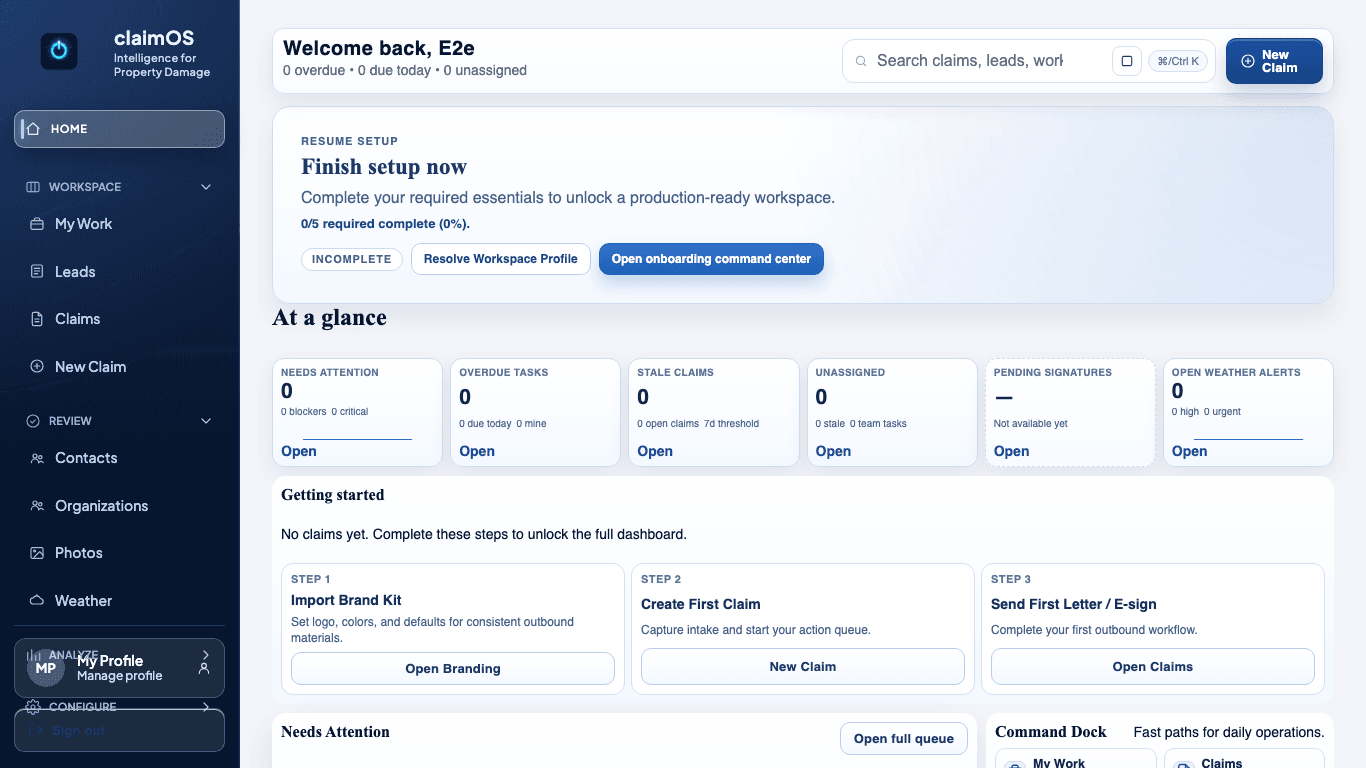
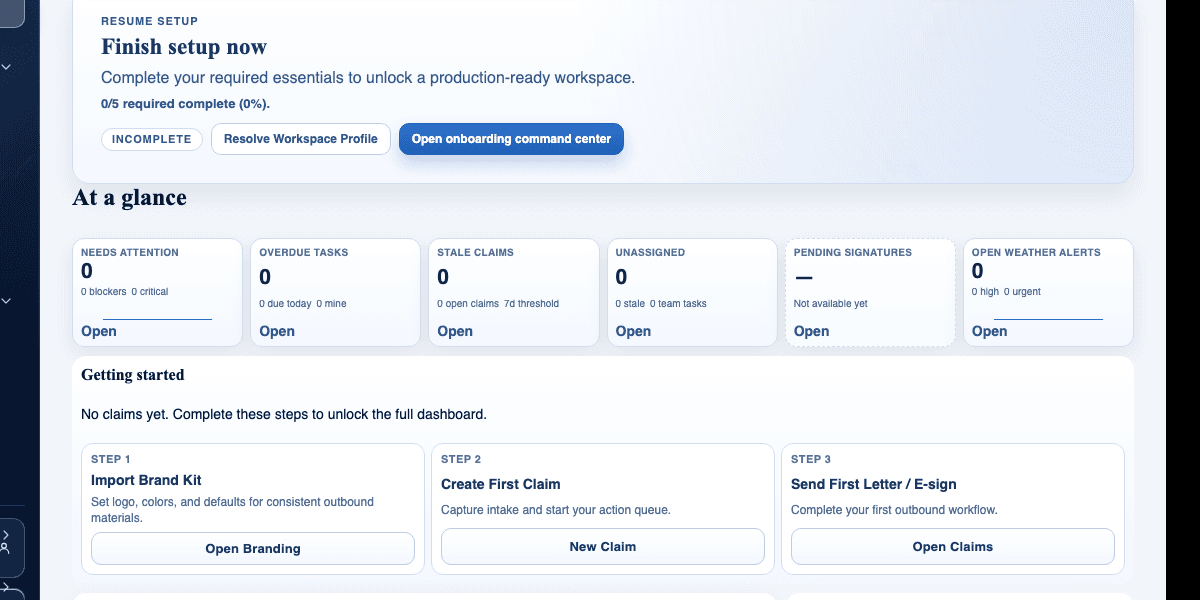
claimOS first-claim launch view showing setup completion, first-claim CTA, and readiness modules.
This is the handoff moment that matters most: finish the essentials, create the first claim, and prove the workspace is ready for live execution.
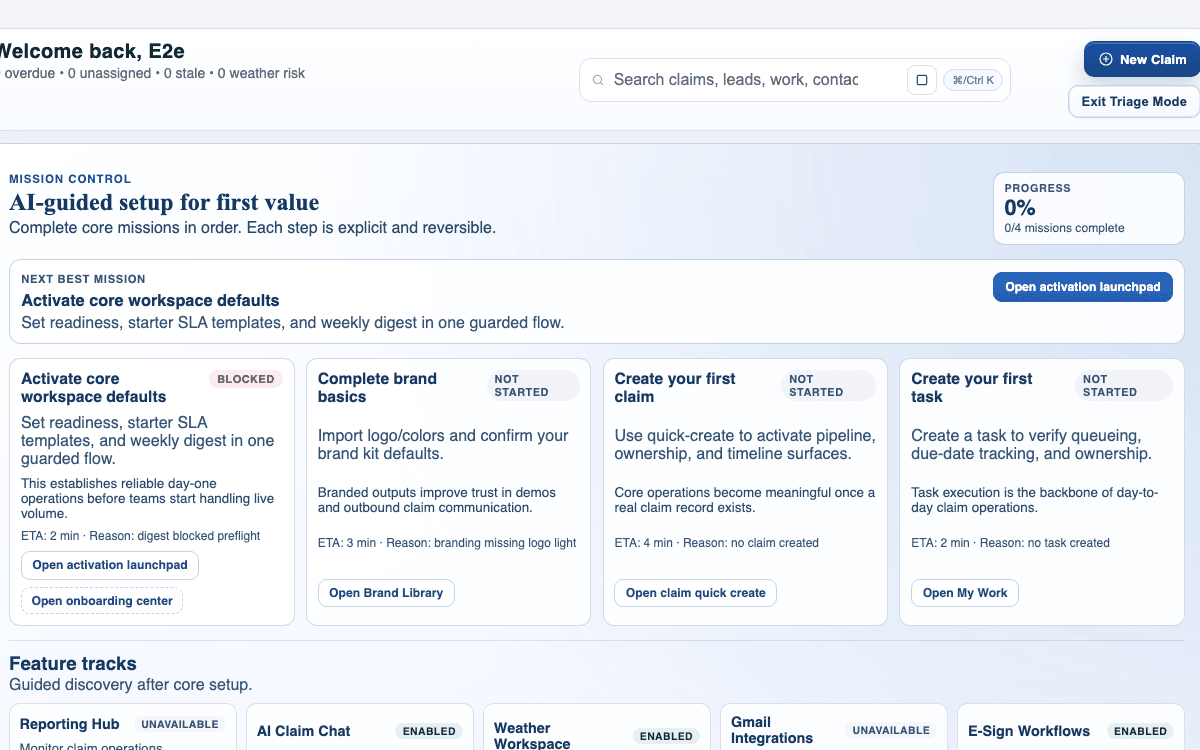
claimOS workflow readiness view showing triage mode and operating modules after the first claim path is available.
This is the signal you want after intake: the workspace is no longer waiting for setup and is ready to route the claim into real queue work.
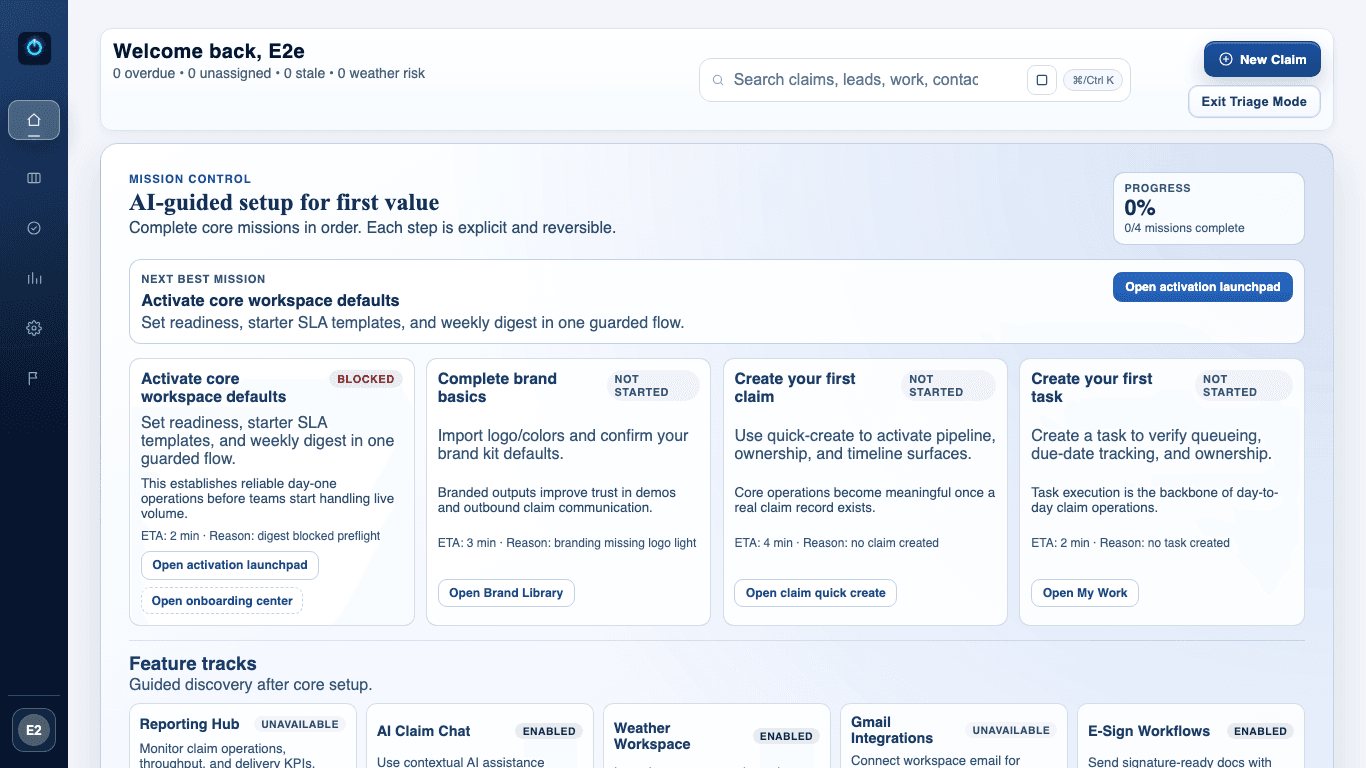
claimOS command center showing the workspace after initial claim creation and mission progress updates.
Once the claim exists, the shared operating view should reflect that change immediately so the team can see intake turn into real owned work.
claimOS triage view showing focused work states after new claims have entered the queue.
The first claim should never disappear into inventory. Triage mode is the proof that the next owner, next state, and next action are all visible right away.

Watch the paired walkthrough

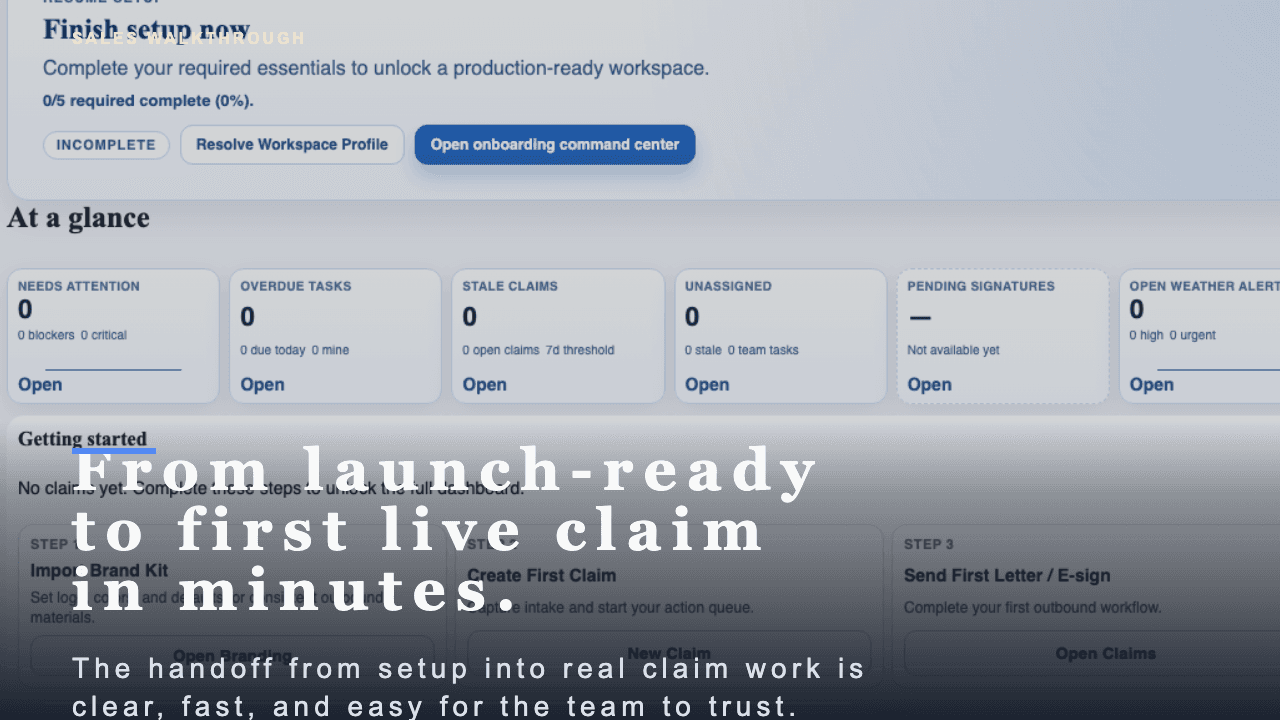
Poster for the first-claim walkthrough showing the launch-ready state, first-claim CTA, and readiness modules before intake begins.
Walkthrough0:48

See the same workflow in motion

A short buyer-facing walkthrough of how claimOS turns launch readiness into the first live claim without losing momentum, context, or team trust.

See how claimOS points the team from launch readiness straight into the first live workflow instead of leaving them to figure out the handoff manually.

Watch related walkthrough

FAQ

Common questions

  • What if I do not have every claim detail yet?

    Create the record with the minimum viable details that let the team own the work and collect the rest in the next step. The first claim should unlock execution, not wait for perfect intake.

  • Should I upload evidence during the first claim pass or later?

    Add the first high-value evidence as soon as it exists so the claim has context right away, then continue filling out the file as the work develops.

  • Who should own the first live claim?

    Choose the person or role that will take the next real action. A claim without a clear owner usually turns into hidden inventory instead of useful operating work.

Keep Going

Related guides and walkthroughs

Guide

Use the claims workspace

Work inside the claim detail surface so evidence, next actions, communications, and operational context stay together instead of being reconstructed across separate screens.

Guide

Manage photos and files

Review supporting evidence, keep file organization consistent, and make it easier for the team to trust what is in the claim before review, response prep, or delivery.

Guide

Work your queue in My Work

Use My Work to manage assigned tasks, due items, and next actions without losing sight of what matters first or which claims are starting to drift.

Video

First claim walkthrough

A short buyer-facing walkthrough of how claimOS turns launch readiness into the first live claim without losing momentum, context, or team trust.