Use the claims workspace
Work inside the claim detail surface so evidence, next actions, communications, and operational context stay together instead of being reconstructed across separate screens.
Guide
Review supporting evidence, keep file organization consistent, and make it easier for the team to trust what is in the claim before review, response prep, or delivery.
Outcome
Keep claim media organized enough that evidence can actually support decisions, delivery, and later review instead of becoming a pile of hard-to-interpret uploads.
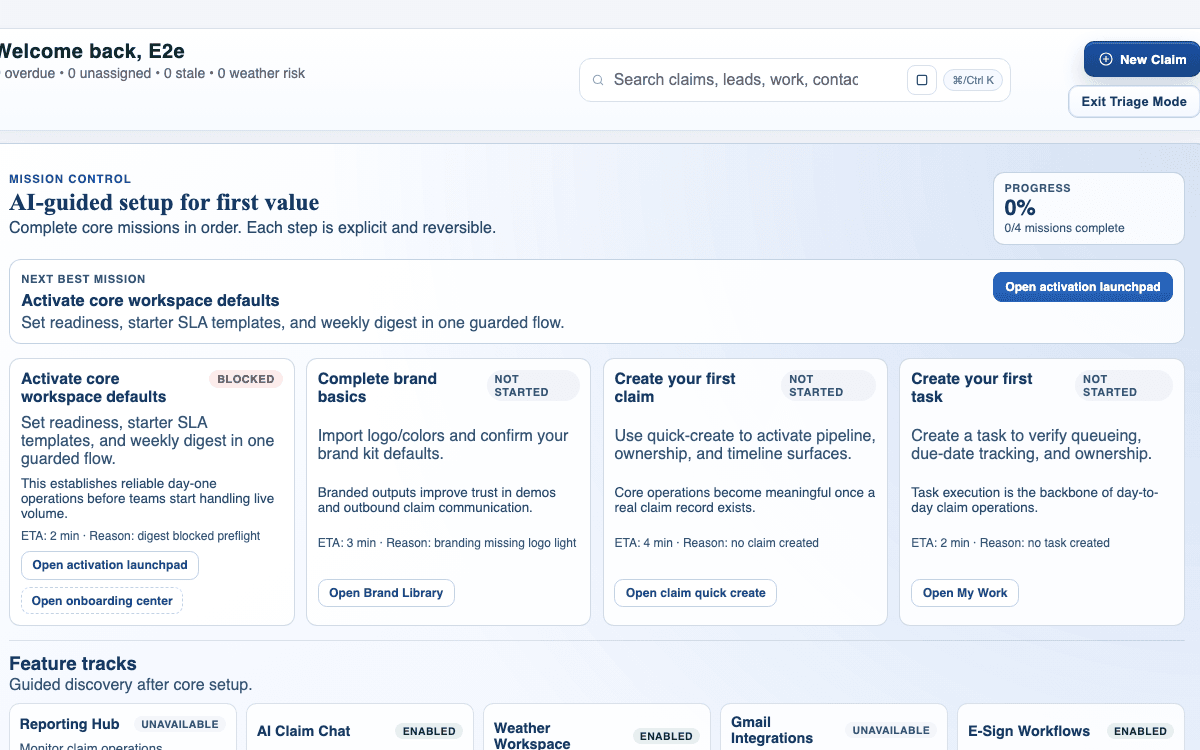
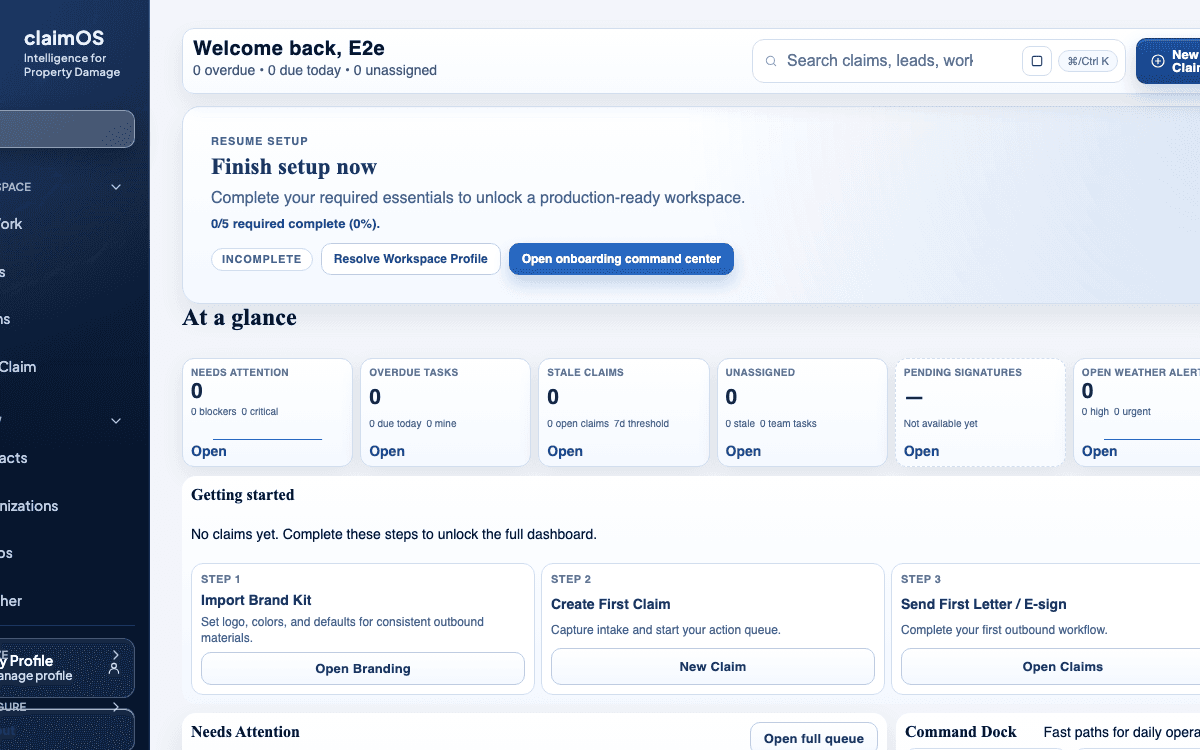
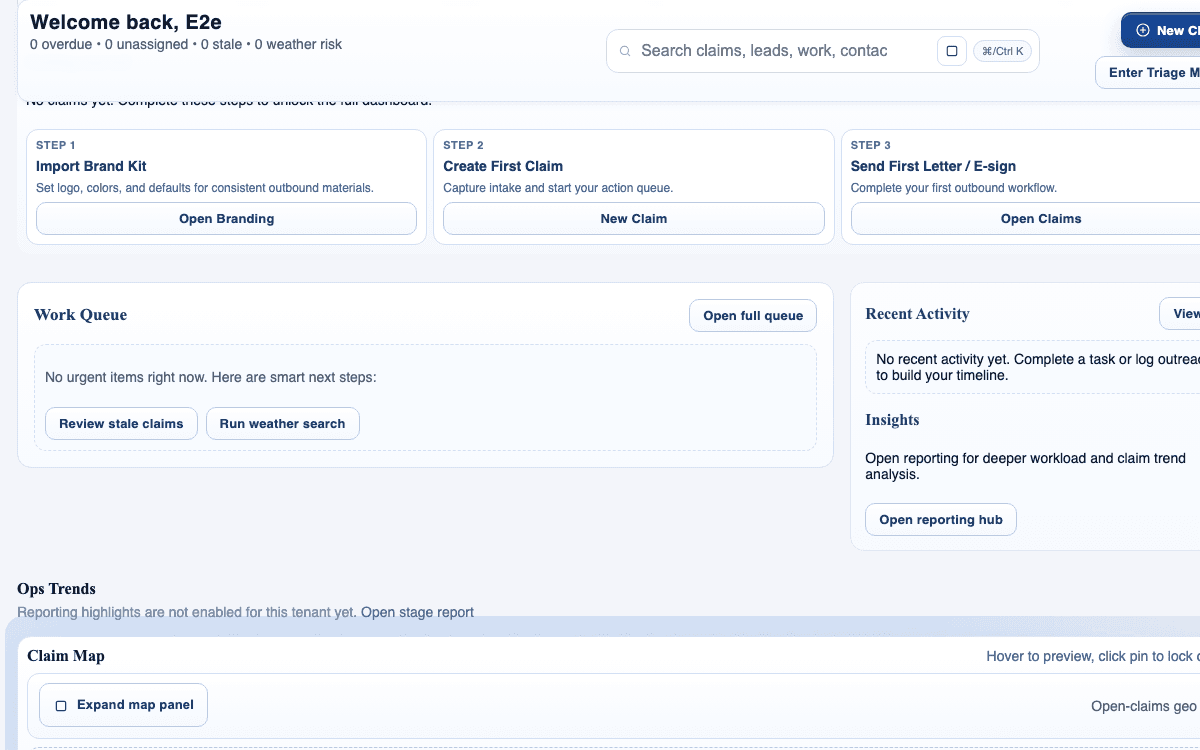
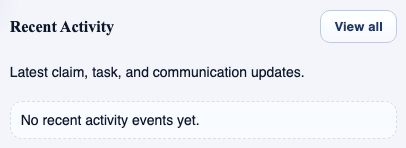
This guide is written for all teams and uses real claimOS screenshots so the instructions map cleanly to the product surface.
Prerequisites
Steps
Start by checking whether the uploaded files are organized well enough to support actual review and downstream delivery.
Identify which files actually support the current decision, which are duplicates, and which need more context so the team does not treat every upload as equally important.
Use the claim files surface to bring photos, videos, and documents into consistent folders and labels so later workflows can trust the record.
Before escalating, exporting, or sending documents outward, confirm that the supporting evidence is visible, relevant, and easy to interpret.
If key photos, documents, or supporting notes are missing, make that explicit in the claim and route the next collection step instead of assuming someone will remember.
Well-managed evidence reduces rework, makes communication easier, and gives future reviewers a cleaner trail of what actually supports the claim.
Before the file supports a customer update, document send, or escalation, confirm that labels, previews, and the core evidence story all match what the claim is trying to prove.
If a reviewer would need a narrated walkthrough to understand the file set, stop and simplify the organization before the claim leaves the team.
Screenshots
Watch the paired walkthrough
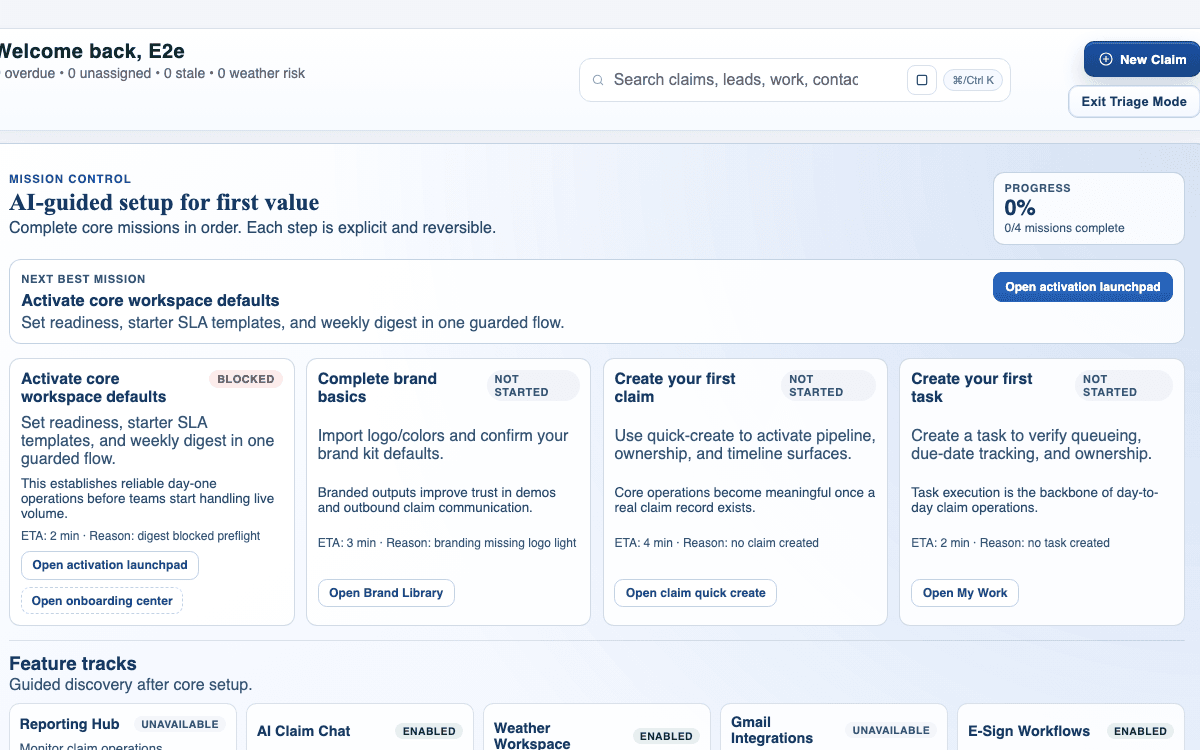
A quick walkthrough of reviewing evidence and keeping file organization trustworthy in claimOS.
See what arrived, what is duplicate, and what evidence is still missing before you reorganize anything.
Watch related walkthroughFAQ
Organize until a teammate can tell what the key evidence is, what is missing, and what is safe to send or review next. You do not need perfection, but you do need trust.
Flag it as soon as the absence could affect review, response prep, or client communication. Missing evidence is easier to manage when it is explicit.
Keep only what helps the team understand the claim. If something is redundant or confusing, relabel, regroup, or remove it from the active evidence path so later review stays clean.
Keep Going