Guide

Review weather and storm intel

Use the weather surface to understand risk, support claim review, and add storm context only when it sharpens the next claim decision instead of creating extra noise.

Claims and EvidenceAll teamsUpdated Mar 12, 2026Step-by-step

Outcome

What this helps you do

Bring weather context into the claim only when it helps the team make a better decision faster and document why that context matters.

This guide is written for all teams and uses real claimOS screenshots so the instructions map cleanly to the product surface.

Prerequisites

Before you start

  • A claim or geography where weather context matters.
  • A specific question about timing, severity, or loss plausibility.
  • A place in the claim or queue where the conclusion can be recorded for the rest of the team.

Steps

How to do it

  1. 1Start from the question you need weather to answer

    Use storm intel to support a decision, not just to add more data. Know whether you are confirming timing, severity, or related claim context.

  2. 2Check whether the claim actually needs external context

    Before opening the weather surface, decide whether the record already contains enough information to move forward. Weather should resolve ambiguity, not become default homework.

  3. 3Review the weather surface with claim context in mind

    Look for the signals that actually affect this claim rather than scanning everything the weather workspace can show.

  4. 4Translate the weather finding into an operational conclusion

    Decide what the weather review means for this claim in plain language: whether it supports the timeline, changes the severity view, or suggests the team needs more evidence.

  5. 5Carry the right insight back into the record

    If weather changes the direction of the claim, record both the conclusion and why it mattered so later review does not need to reconstruct the logic.

  6. 6Route the next action if the weather review changed the claim path

    If the finding changes inspection urgency, evidence collection, customer communication, or reporting, assign that next move immediately instead of leaving the conclusion as a passive note.

  7. 7Avoid over-collecting context

    Good weather review should reduce ambiguity. If it creates more noise than clarity, narrow the scope and return to the actual claim question.

  8. 8Run a usefulness check before you leave the weather workflow

    Make sure the review produced either a clearer claim conclusion or a clearer next action. If it did neither, the weather pass was probably too broad.

    The most common failure mode is saving extra context without saving the conclusion. Capture the answer, not just the source material.

Screenshots
See the workflow

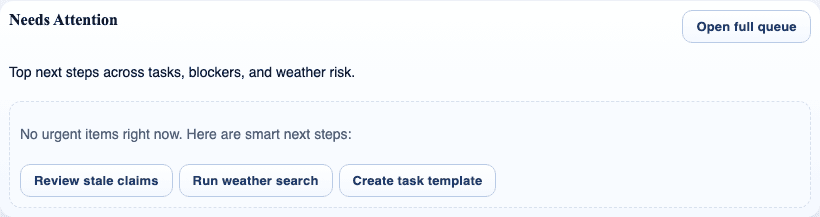
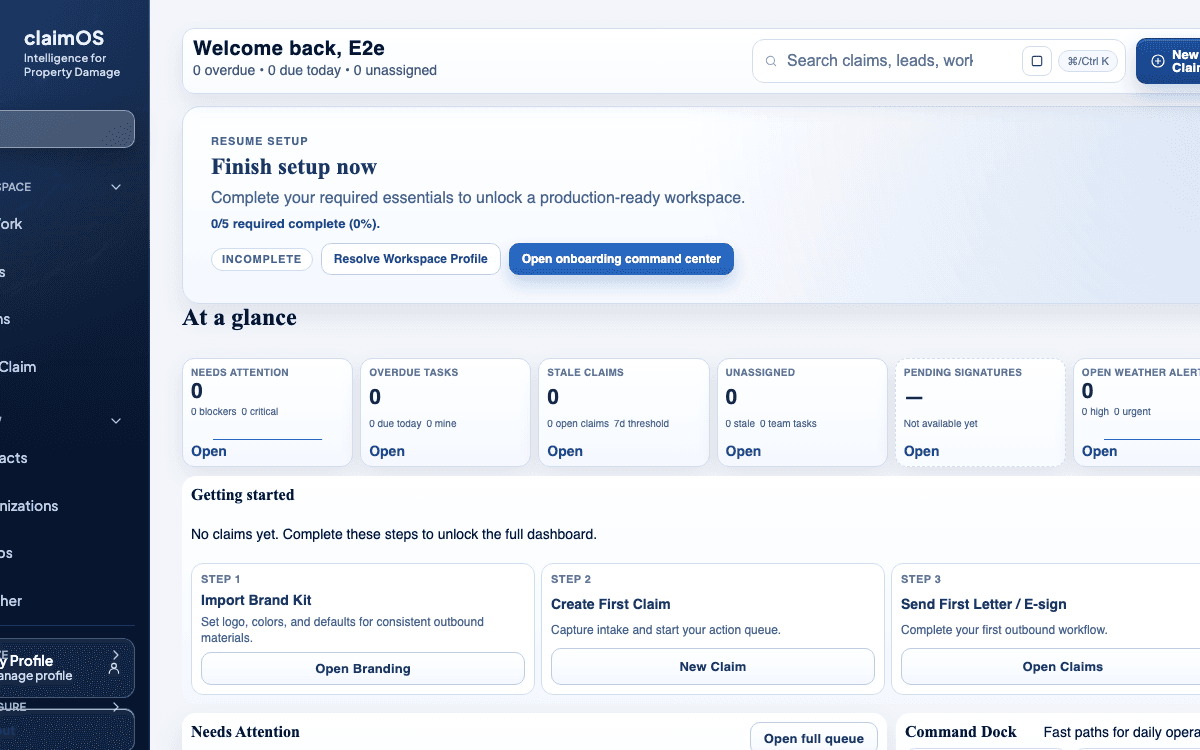
claimOS weather-intel crop showing weather search entry points, queue context, and the surrounding claim workflow.
This weather crop keeps the emphasis on the next operating decision: use storm context to sharpen the claim path, not to open extra research tabs.
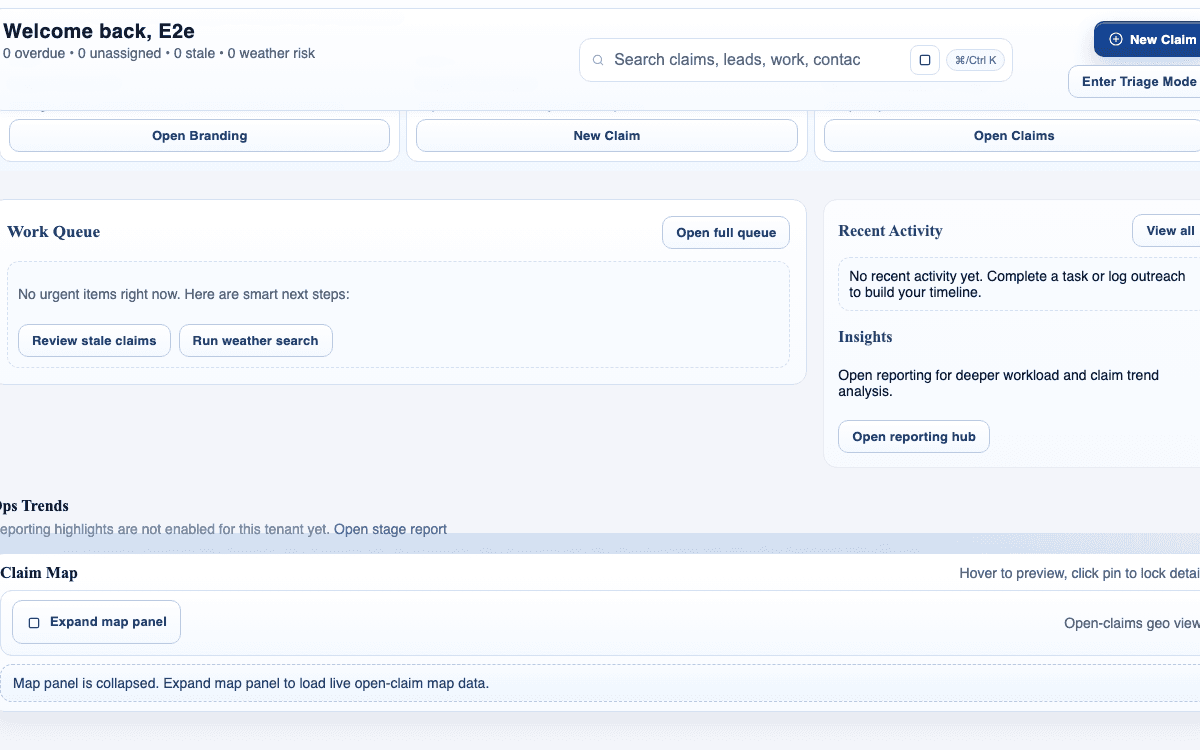
claimOS needs-attention module showing claim work that may require context before the next action.
Use weather review when a claim is already asking for a clearer answer, not as a default research step for every record.
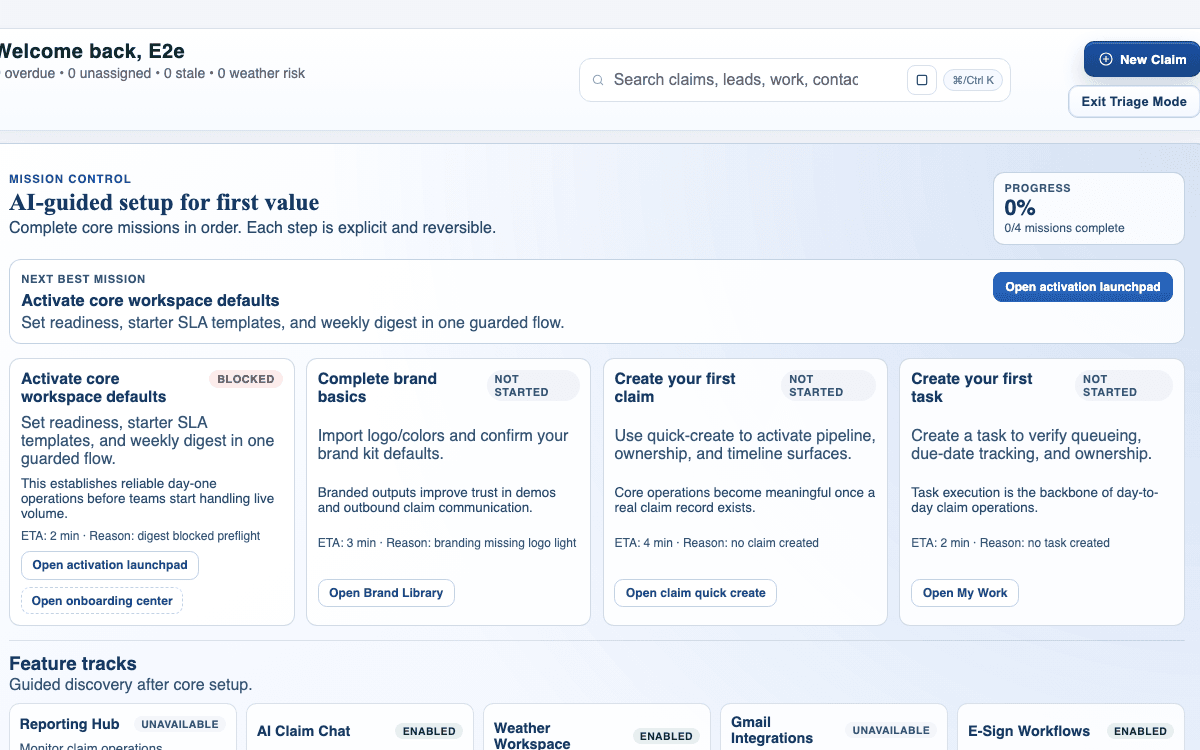
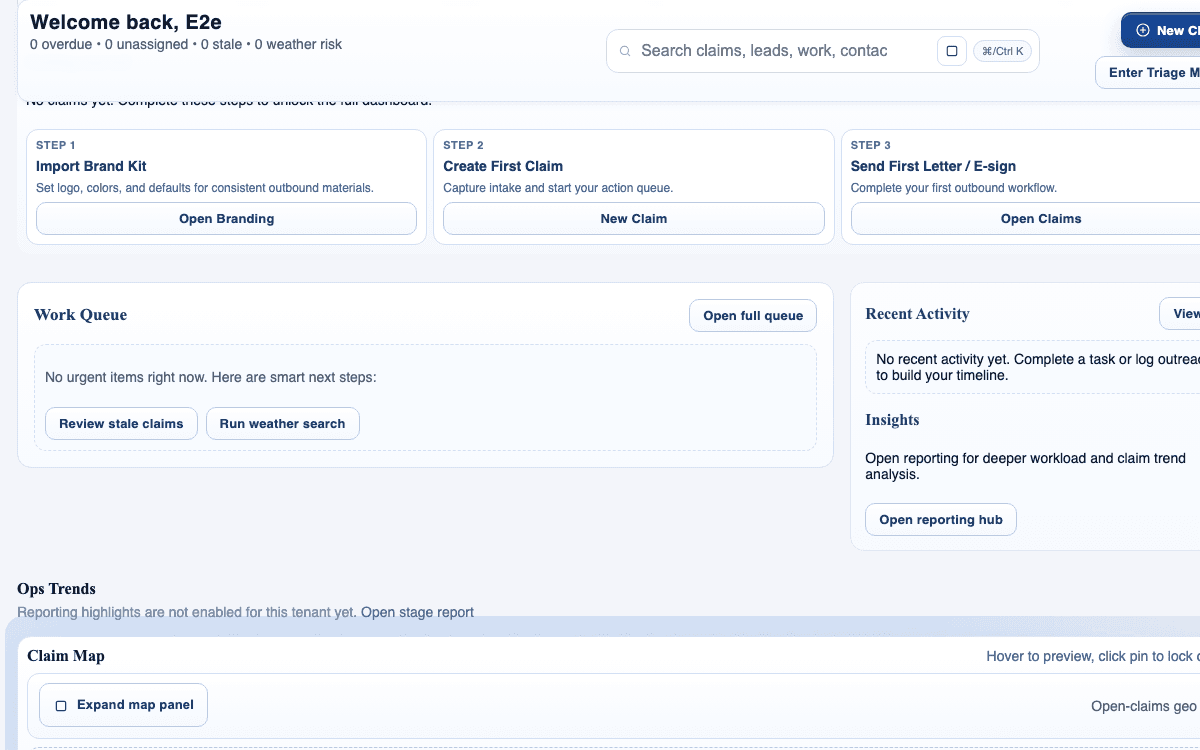
claimOS reporting crop showing current queue context, recent activity, and the reporting entry point tied to live workflow questions.
Use weather findings to improve the next claim decision, not just to add reference material. The operating view should make that next move obvious.
claimOS evidence-review crop showing the record context around a claim before the team escalates or requests more proof.
Weather context is most useful when it tightens the evidence story already being reviewed in the claim.
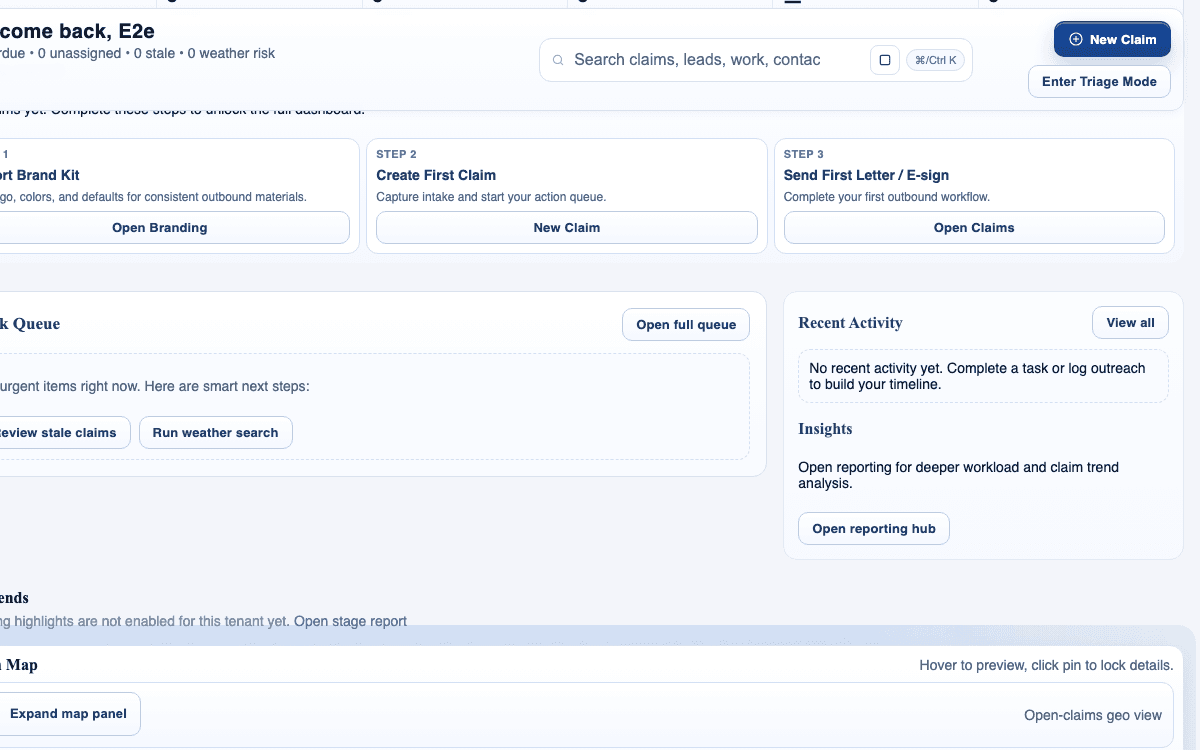
claimOS communications-focused crop showing recent activity, queue follow-up, and the record-adjacent operating context.
The end state is not the weather lookup itself. It is a clearer claim note, customer update, or routed next action inside the workflow.

Watch the paired walkthrough

Poster for the claims workspace tour showing the claim-ready operating surface, at-a-glance cards, and surrounding record context.
Walkthrough1:47

See the same workflow in motion

A quick visual tour of the claim workspace and the connected tabs teams use most often.

Start with the overview so status, ownership, and blockers are clear before you dive into detail work.

Watch related walkthrough

FAQ

Common questions

  • When is weather context worth adding to a claim?

    Add it when it helps the team confirm timing, event severity, or whether the loss story aligns with known conditions. If it does not change a decision, keep the review light.

  • What is the most common mistake when using storm intel?

    Teams often collect too much weather context without recording the actual conclusion. The useful part is not the extra map or report, but the specific claim decision it supports.

  • Should weather findings live only in the weather surface?

    No. If weather materially affects review, scope, or communication, write that conclusion back into the claim so the next operator sees it in the working record.

Keep Going

Related guides and walkthroughs

Guide

Manage photos and files

Review supporting evidence, keep file organization consistent, and make it easier for the team to trust what is in the claim before review, response prep, or delivery.

Guide

Use the claims workspace

Work inside the claim detail surface so evidence, next actions, communications, and operational context stay together instead of being reconstructed across separate screens.

Guide

Read reporting and performance

Use reporting to understand throughput, bottlenecks, and operational health instead of relying on anecdotal activity or whoever spoke up most recently.

Video

Claims workspace tour

A quick visual tour of the claim workspace and the connected tabs teams use most often.