Work your queue in My Work
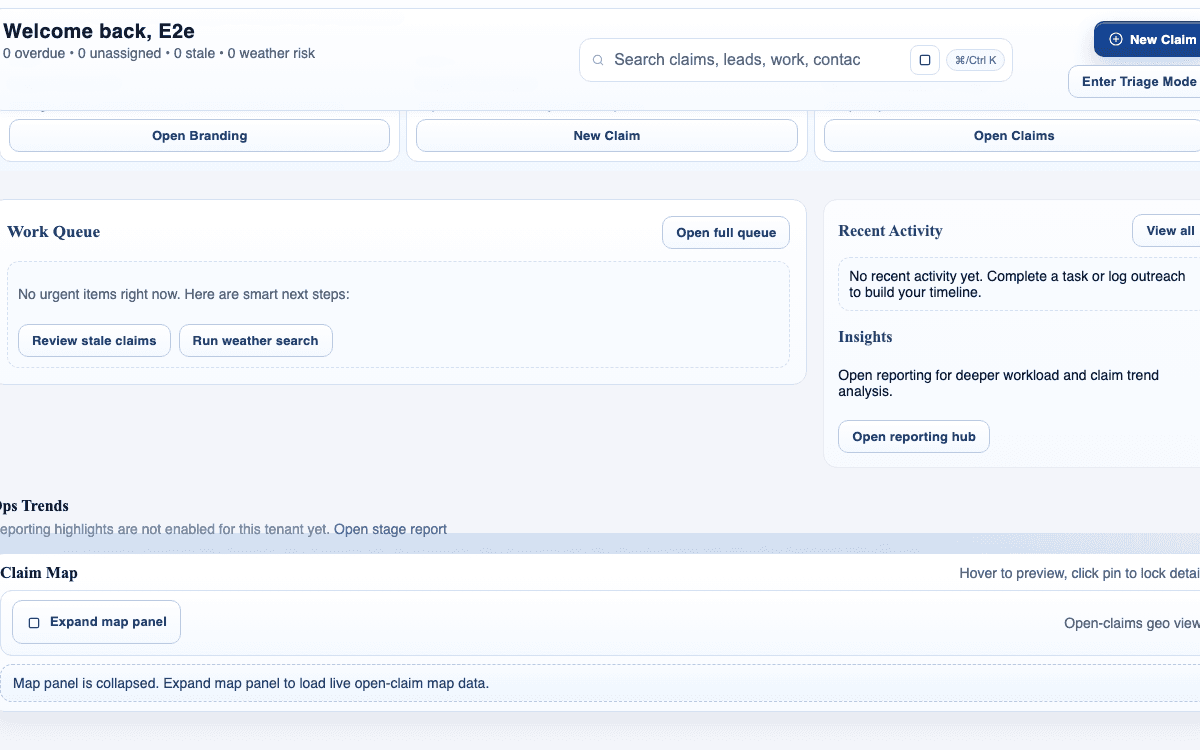
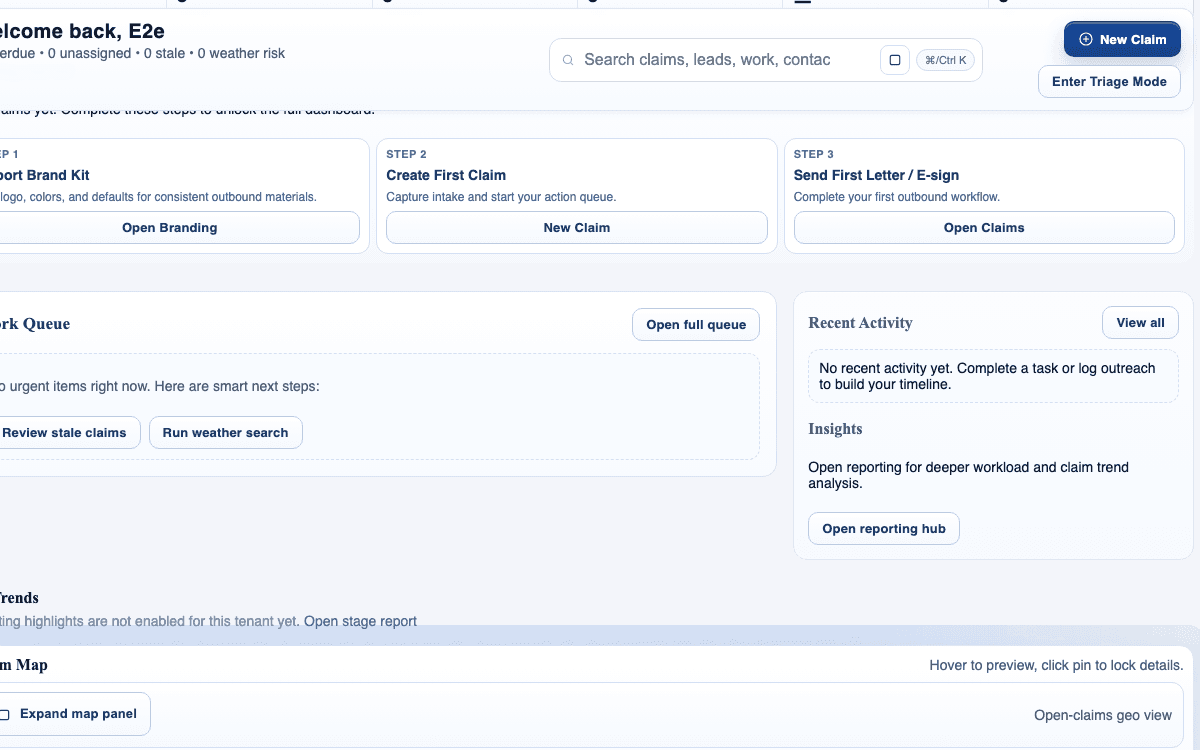
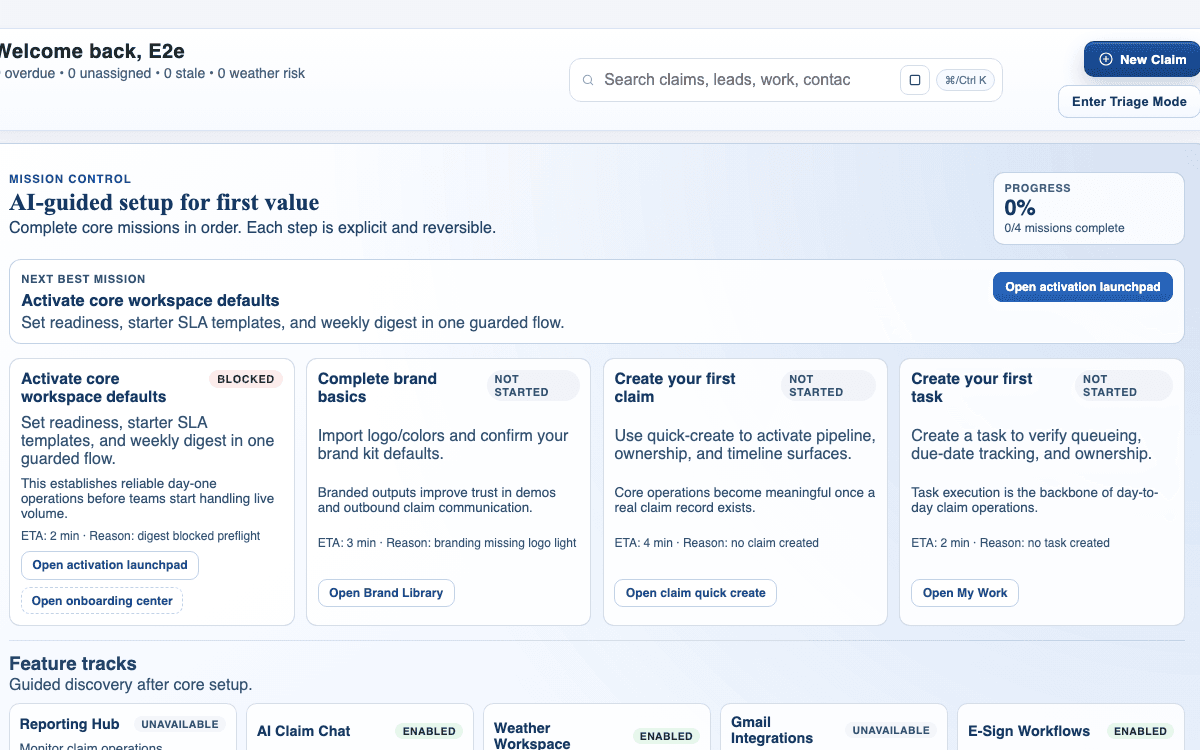
Use My Work to manage assigned tasks, due items, and next actions without losing sight of what matters first or which claims are starting to drift.
Guide
Use reporting to understand throughput, bottlenecks, and operational health instead of relying on anecdotal activity or whoever spoke up most recently.
Outcome
Turn reporting into an operational review habit that supports better decisions and more confident workflow adjustments.
This guide is written for owners and uses real claimOS screenshots so the instructions map cleanly to the product surface.
Prerequisites
Steps
Do not open reporting just to browse charts. Know whether you are checking volume, conversion, SLA risk, or a specific handoff problem.
Pick the KPI or trend group that is most likely to explain the decision in front of you so the review stays focused on signals that can change action.
Move to the KPI or trend view that matches the decision in front of you so you stay focused on actionable signals.
Use the live queue, claims activity, or current workload context as a reference point. Reporting is strongest when it helps explain what the team is already seeing on the ground.
Metrics should explain work, not replace judgment. Use them to confirm or challenge what the team feels operationally.
Decide what should change in routing, staffing, follow-up, or configuration before you leave the dashboard so the review actually changes behavior.
Every review cycle should end with a concrete operational change, whether that is staffing, routing, follow-up, or configuration, so the dashboard leads to behavior instead of just awareness.
Good reporting habits depend on rhythm. Make sure the team knows when this metric or trend should be revisited and who is expected to own that follow-up.
If the dashboard review ends without an owner, a change, or a next review point, it will likely turn into passive observation instead of operating discipline.
Screenshots
Watch the paired walkthrough
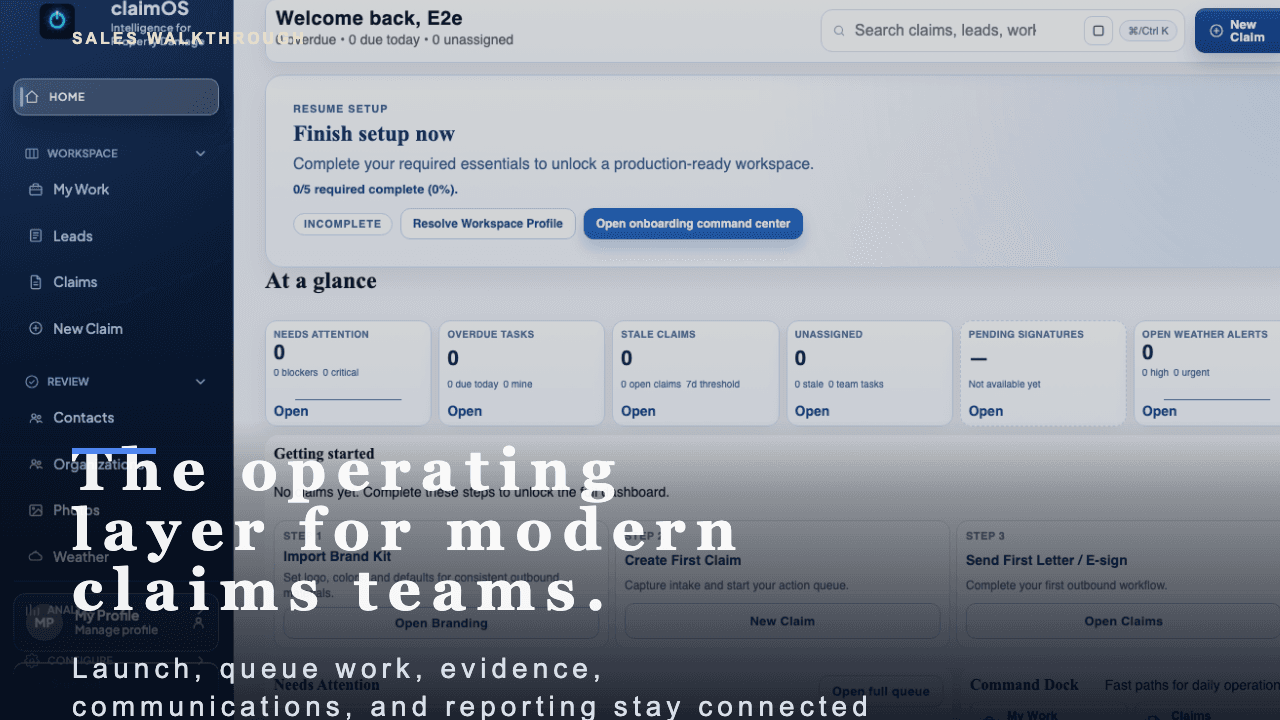
A short buyer-facing walkthrough of how claimOS becomes the operating layer for launch, live claims work, evidence, communications, and reporting.
Start with the high-level buyer question: what does claimOS unify that most teams currently spread across multiple tools and private follow-up loops?
Watch related walkthroughFAQ
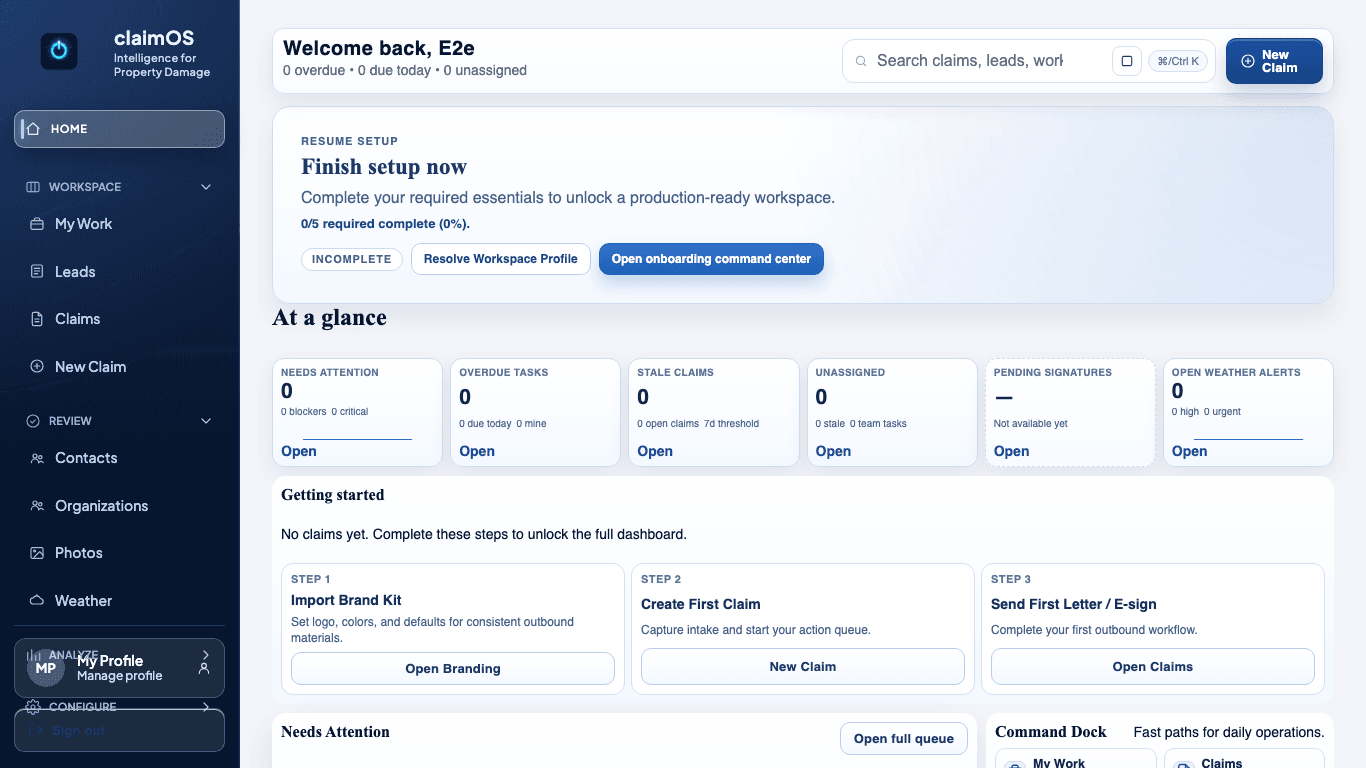
Use Home to orient to overall risk, then move into My Work for task-by-task execution and due-work follow-through.
At minimum, review it at the start of the day, after major claim intake spikes, and before the team wraps work.
Use a regular operating cadence, not occasional curiosity. A weekly review is usually the minimum for spotting drift, and faster-moving teams may need daily checks on queue health or SLA risk.
Do not stop at noticing a number changed. The useful step is translating that change into one routing, staffing, follow-up, or workflow adjustment the team can actually make.
Keep Going