Guide

Work your queue in My Work

Use My Work to manage assigned tasks, due items, and next actions without losing sight of what matters first or which claims are starting to drift.

Daily OperationsOperatorsUpdated Mar 12, 2026Step-by-step

Outcome

What this helps you do

Turn My Work into the team's daily execution surface instead of treating it like a passive task list that people only check when something feels wrong.

This guide is written for operators and uses real claimOS screenshots so the instructions map cleanly to the product surface.

Prerequisites

Before you start

  • Assigned work in the workspace.
  • A claim or task flow already exists.
  • Clear team expectations for when work should be completed, deferred, or rerouted.

Steps

How to do it

  1. 1Start with due and blocked work

    Use queue context to identify what is urgent, what is stuck, and what can be completed quickly so the team starts the day with the highest-value work in view.

  2. 2Work the queue by consequence, not just by arrival time

    Handle the items most likely to create customer delay, internal drift, or missed deadlines before you clean up lower-stakes work. The queue should reflect operating judgment, not just chronological order.

  3. 3Open records from the queue instead of context-switching manually

    Move directly from the queue into the relevant record so the task and the underlying claim stay tied together.

  4. 4Update status with an explicit reason every time you act

    Whether you complete, defer, or reroute work, leave enough context in the record that the next operator understands what changed and why.

  5. 5Complete, snooze, or reroute with intent

    Every queue action should either advance the work, make the next review time explicit, or route the item to someone better positioned to act.

  6. 6Return to the queue and clear the next highest-risk item

    Treat My Work like a steady operating rhythm: orient, act, update the record, and return for the next decision.

  7. 7End the pass with a queue readiness check

    Before you leave the queue, make sure the remaining items are either intentionally deferred, owned by the right person, or clearly waiting on something specific.

    If a queue item still feels ambiguous after review, add the missing context now. Unclear rows are one of the fastest ways a team loses trust in the queue.

Screenshots
See the workflow

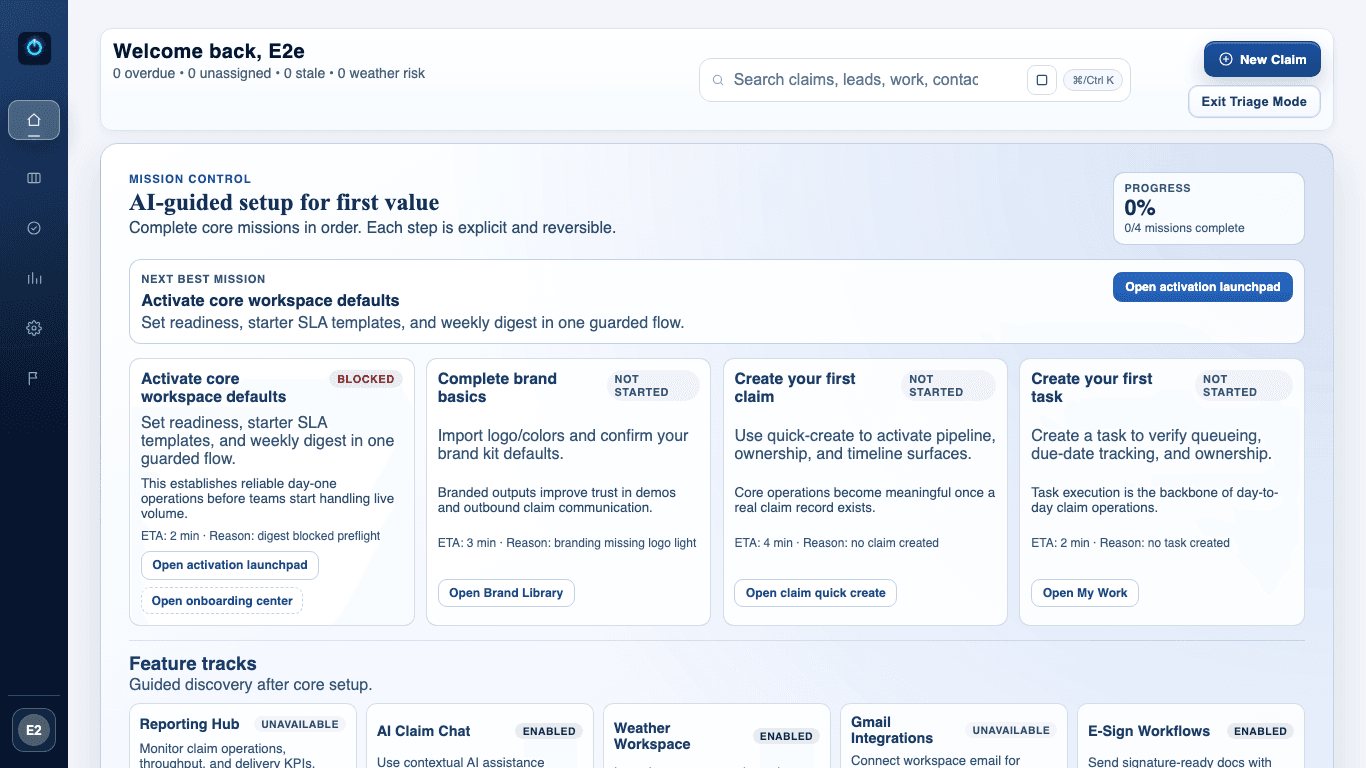
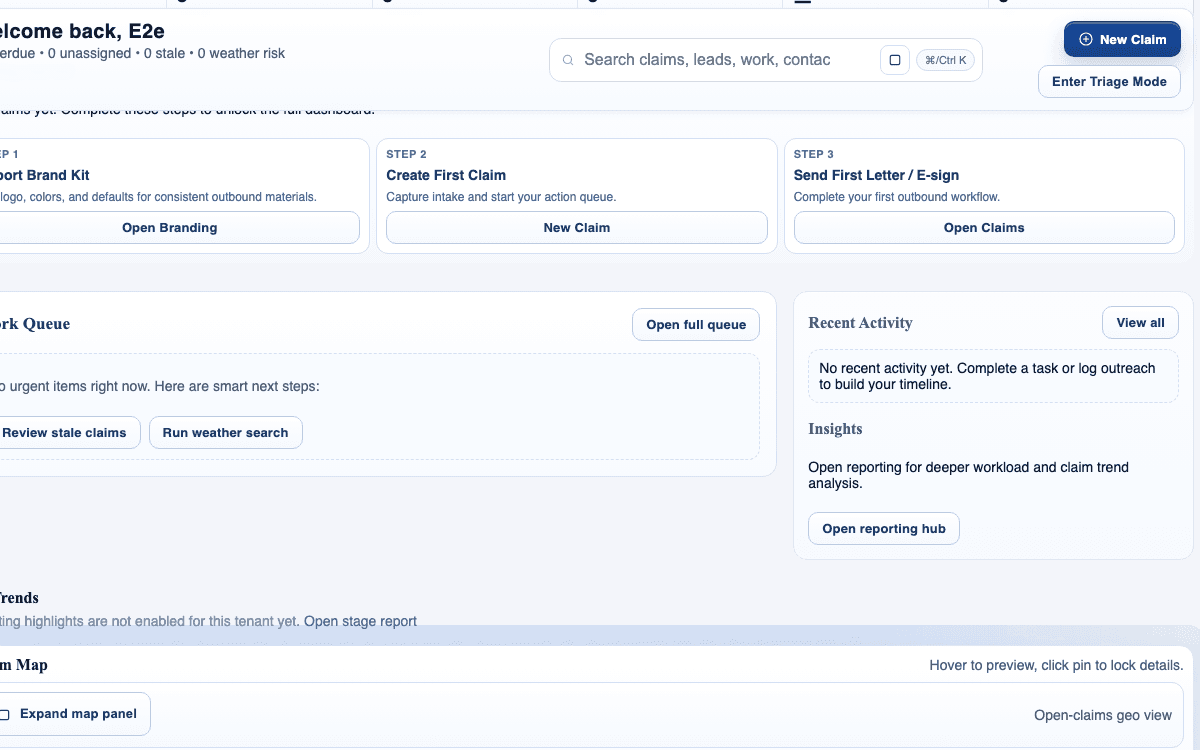
claimOS My Work queue crop showing priority cards, recent activity, and queue inspection context.
Use this queue-focused frame to show how operators move from priority signals into record-level action without losing the next-step context.
claimOS triage view showing urgent work states and the daily execution posture for operators.
Start here when you need to separate urgent work from routine follow-up. The daily queue should help operators decide what matters first, not just what arrived first.
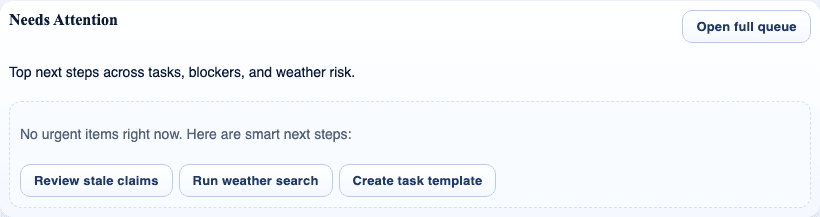
claimOS needs-attention module showing blocked items and work that requires an immediate owner.
When a queue item needs escalation or re-routing, the surrounding operating signals should make that obvious before the claim starts to drift.
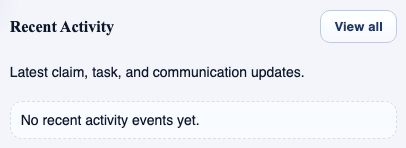
claimOS recent activity module showing status changes and teammate updates after queue work moves forward.
Use recent activity as the handoff proof. It shows that queue decisions are turning into visible claim progress instead of disappearing into side channels.

Watch the paired walkthrough

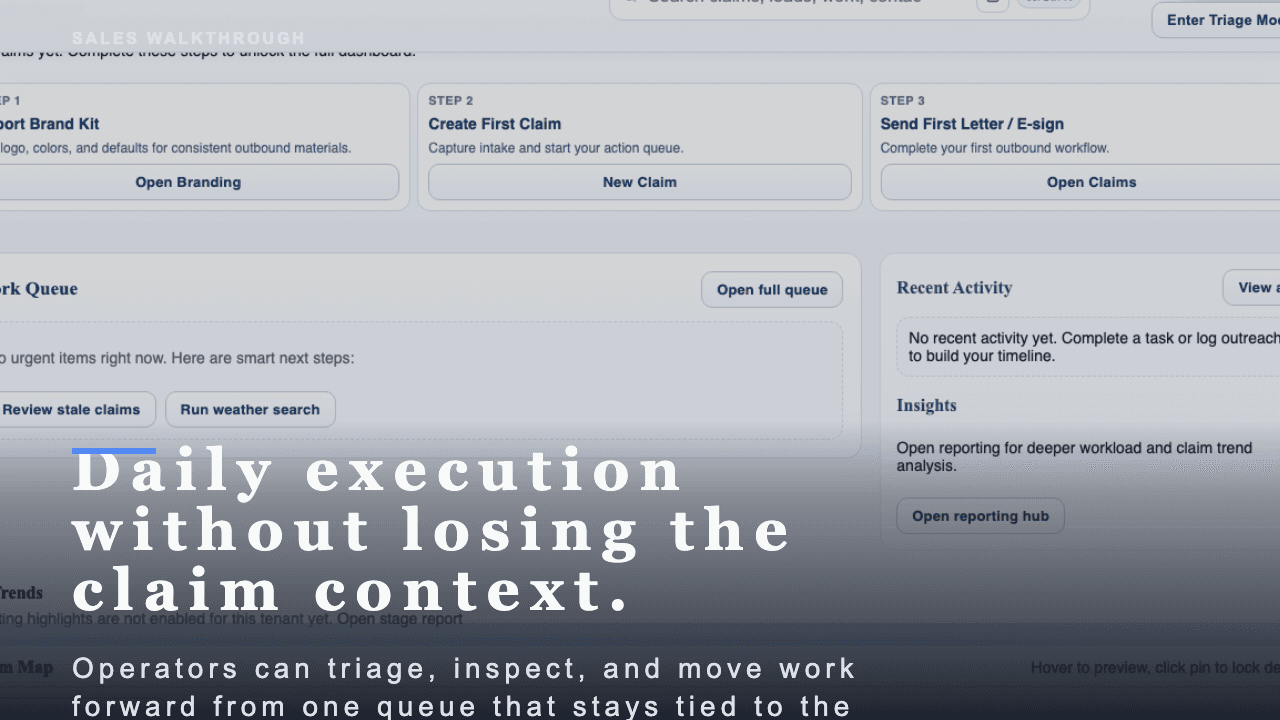
Poster for the My Work daily routine video showing the queue view, priority signals, and activity context in one operating frame.
Walkthrough0:48

See the same workflow in motion

A short buyer-facing walkthrough of how claimOS helps operators work the day from one queue without losing the claim context.

Open on the queue signals that move the day forward instead of treating every row like equal work.

Watch related walkthrough

FAQ

Common questions

  • Should operators work from Home or My Work first?

    Use Home to orient to overall risk, then move into My Work for task-by-task execution and due-work follow-through.

  • How often should the queue be reviewed?

    At minimum, review it at the start of the day, after major claim intake spikes, and before the team wraps work.

  • What should I do when a queue item does not have enough context to act?

    Open the underlying record, add the missing context, and either reroute or defer with a reason. The fix is to leave the queue clearer, not to work around the missing detail privately.

Keep Going

Related guides and walkthroughs

Guide

Use the claims workspace

Work inside the claim detail surface so evidence, next actions, communications, and operational context stay together instead of being reconstructed across separate screens.

Guide

Use Communications Inbox

Review incoming communications, triage them quickly, and keep claim follow-up from scattering into personal inbox habits or private side-channel cleanups.

Guide

Read reporting and performance

Use reporting to understand throughput, bottlenecks, and operational health instead of relying on anecdotal activity or whoever spoke up most recently.

Video

My Work daily routine

A short buyer-facing walkthrough of how claimOS helps operators work the day from one queue without losing the claim context.