Guide

Use Communications Inbox

Review incoming communications, triage them quickly, and keep claim follow-up from scattering into personal inbox habits or private side-channel cleanups.

Communications and DeliveryOperatorsUpdated Mar 12, 2026Step-by-step

Outcome

What this helps you do

Use the shared inbox as an operational queue instead of an unmanaged message stream so claim follow-up stays visible to the team.

This guide is written for operators and uses real claimOS screenshots so the instructions map cleanly to the product surface.

Prerequisites

Before you start

  • Inbox access and at least one connected communication workflow.
  • A clear expectation for who owns triage versus who owns the underlying claim response.
  • A claim or work queue the inbox can feed back into.

Steps

How to do it

  1. 1Review new items for urgency and ownership

    Start by separating messages that require immediate action from those that simply update existing work.

  2. 2Separate action requests from passive updates

    Do not let every message live at the same priority. Split true next-action items from FYI updates so the inbox behaves like a queue instead of a pile.

  3. 3Link communications to the right record

    Where possible, keep communication tied back to the correct claim or workflow so a teammate can understand the state without asking around.

  4. 4Reply or route with an explicit next state

    Every inbox decision should leave the item clearer: replied, assigned, deferred with a reason, or resolved.

  5. 5Write the operational outcome back into the record

    If a communication changes the claim, ownership, due date, or evidence plan, capture that outcome in the claim or queue so the message thread does not become the only source of truth.

  6. 6Avoid private follow-up loops

    If a communication changes the claim, capture that outcome where the team works so the record remains operationally useful.

  7. 7Run an inbox readiness check before you move on

    Before you leave the inbox, confirm every remaining message is either intentionally deferred, tied to the right record, or waiting on a clearly named owner or dependency.

    If only one person understands why a message is still open, the inbox is starting to turn back into a private follow-up loop.

Screenshots
See the workflow

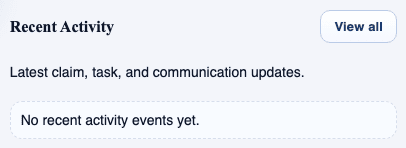
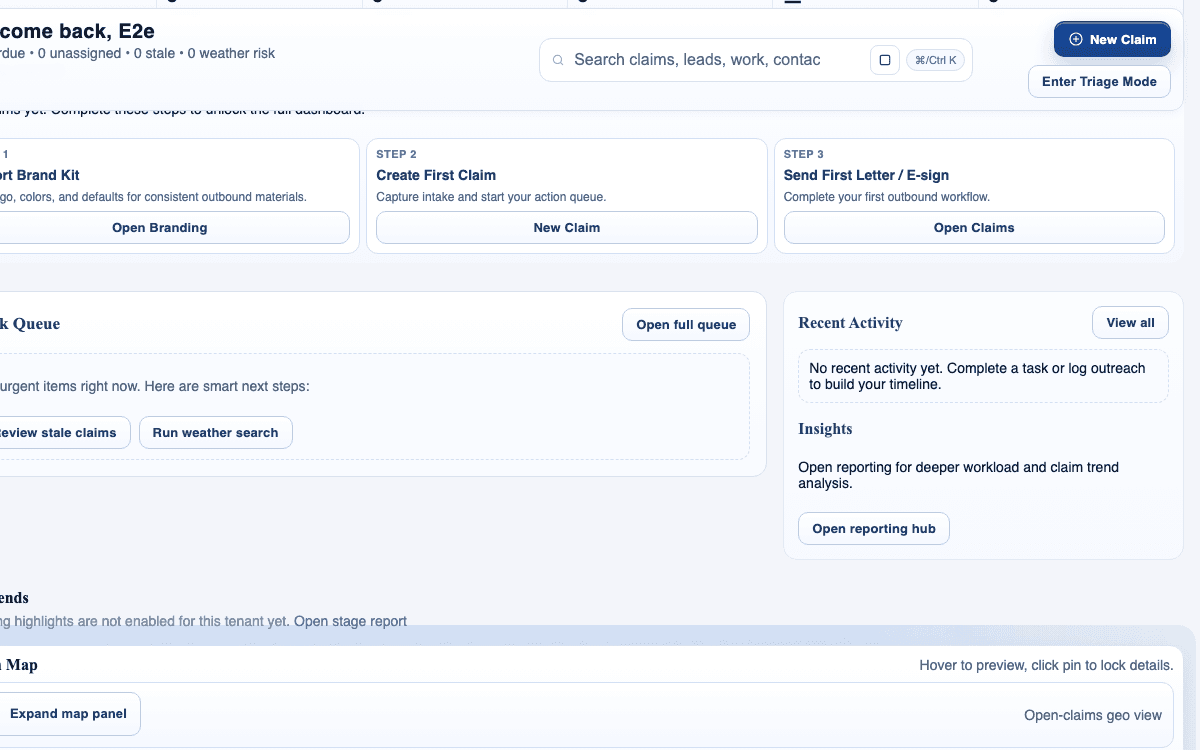
claimOS communications-focused crop showing recent activity, queue follow-up, and the operating context around message triage.
Use this frame to show that communication work is part of the operating rhythm, not a separate private inbox loop.
claimOS recent-activity module surfacing the latest claim, task, and communication updates.
Start inbox review here: separate true next-action messages from simple status updates before they pile up into hidden follow-up work.
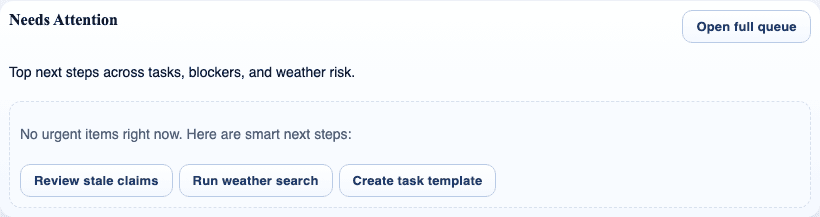
claimOS needs-attention module showing the follow-up actions that still require an owner.
The inbox should feed this operating list with clear owners and next states rather than becoming its own unmanaged priority system.
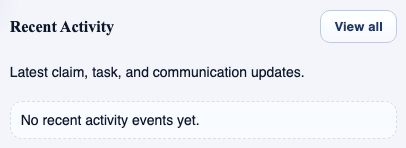
claimOS home recent-activity module showing team-visible updates after a communication changes claim state.
Once a message changes the claim, the outcome should be visible to the whole team where they already manage work.

Watch the paired walkthrough

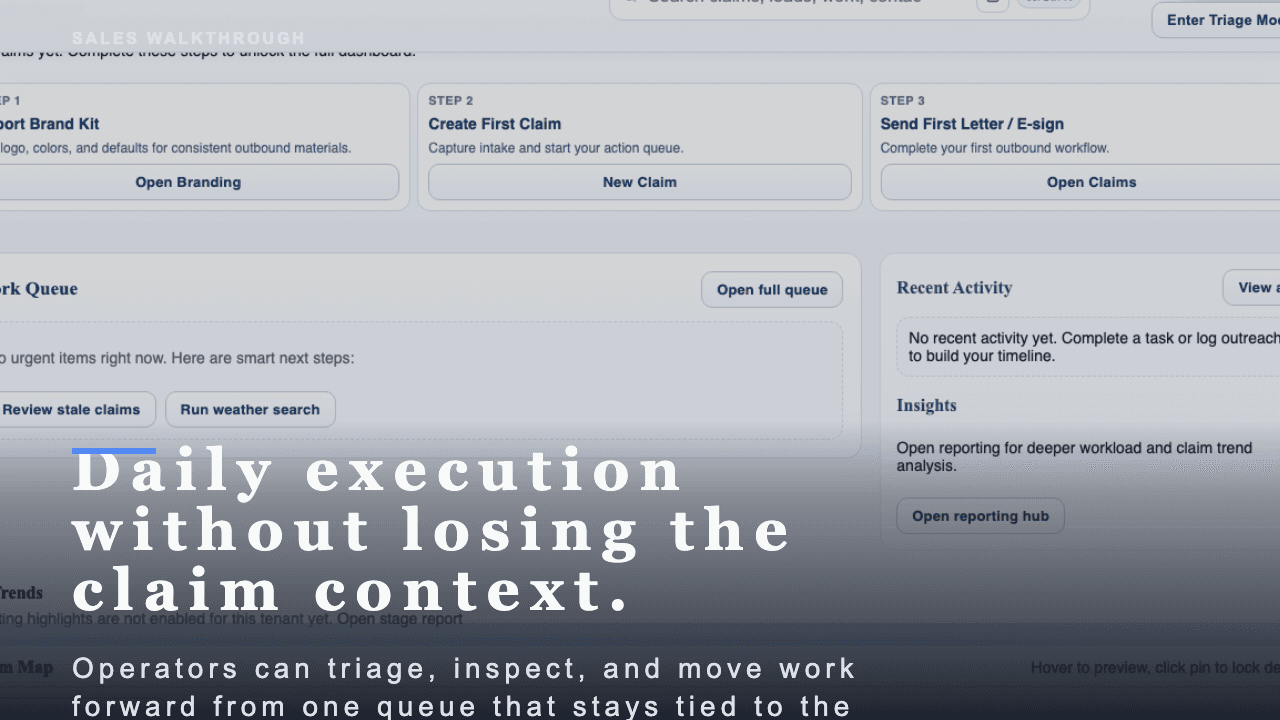
Poster for the My Work daily routine video showing the queue view, priority signals, and activity context in one operating frame.
Walkthrough0:48

See the same workflow in motion

A short buyer-facing walkthrough of how claimOS helps operators work the day from one queue without losing the claim context.

Open on the queue signals that move the day forward instead of treating every row like equal work.

Watch related walkthrough

FAQ

Common questions

  • When should a team use inbox workflows versus claim notes?

    Use inbox workflows for real communication and response handling, then capture the important outcome back into the claim record when it matters operationally.

  • Do I need a transcript for each video walkthrough?

    Yes. Transcripts improve accessibility, make the page indexable, and help users skim before they watch.

  • What is the fastest way to keep the inbox from becoming a private to-do list?

    Route messages back to the owning claim or task as soon as you understand the outcome. Shared inboxes stay useful only when the work leaves the message thread and re-enters the operating flow.

  • When should a communication be deferred instead of answered immediately?

    Defer when the team needs missing context, a decision from another owner, or supporting evidence before replying. The key is to record the reason and the next review time clearly.

Keep Going

Related guides and walkthroughs

Guide

Work your queue in My Work

Use My Work to manage assigned tasks, due items, and next actions without losing sight of what matters first or which claims are starting to drift.

Guide

Use the claims workspace

Work inside the claim detail surface so evidence, next actions, communications, and operational context stay together instead of being reconstructed across separate screens.

Guide

Send and track e-sign documents

Prepare, send, and monitor e-sign work without losing delivery visibility, signer follow-through, or claim context.

Video

My Work daily routine

A short buyer-facing walkthrough of how claimOS helps operators work the day from one queue without losing the claim context.