Use Communications Inbox
Review incoming communications, triage them quickly, and keep claim follow-up from scattering into personal inbox habits or private side-channel cleanups.
Guide
Prepare, send, and monitor e-sign work without losing delivery visibility, signer follow-through, or claim context.
Outcome
Use e-sign as a managed workflow rather than a one-off document send that disappears once it leaves the record.
This guide is written for operators and uses real claimOS screenshots so the instructions map cleanly to the product surface.
Prerequisites
Steps
Initiate e-sign from the record that owns the work so signer context, audit trail, and follow-up stay connected.
Before release, be explicit about which signer, which document state, and what outcome the team is waiting for. That makes later follow-up much easier to manage.
Make sure recipients, delivery expectations, and document state are correct before you send.
Do not send the document from a disconnected context. The same claim or document workflow that owns the work should also own the reminder, status review, and completion path.
Use the workflow status and follow-up surfaces to see whether the document is delivered, pending, blocked, or ready for a deliberate reminder.
If the signer stalls, make the follow-up explicit by assigning the next reminder, outreach, or clarification step instead of leaving the document in passive pending status.
Once signed, capture the result where the claim team will expect to find it during later review.
Confirm another teammate could open the claim and immediately understand whether the document is waiting, completed, or blocked and what should happen next.
If the send only makes sense to the person who initiated it, the workflow is still too dependent on private follow-up.
Screenshots
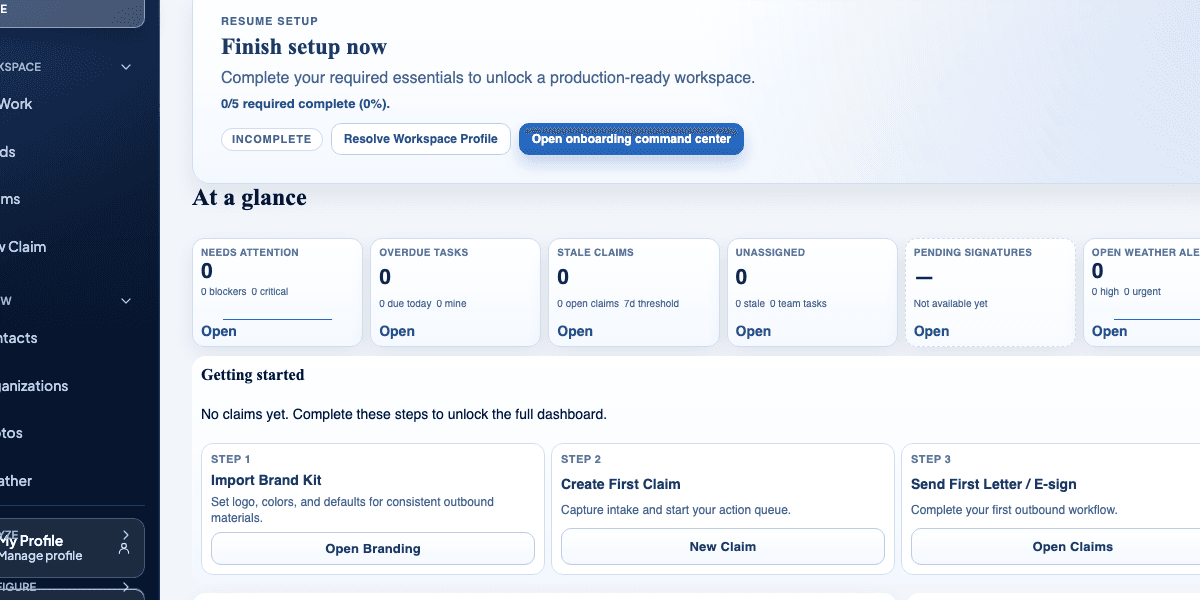
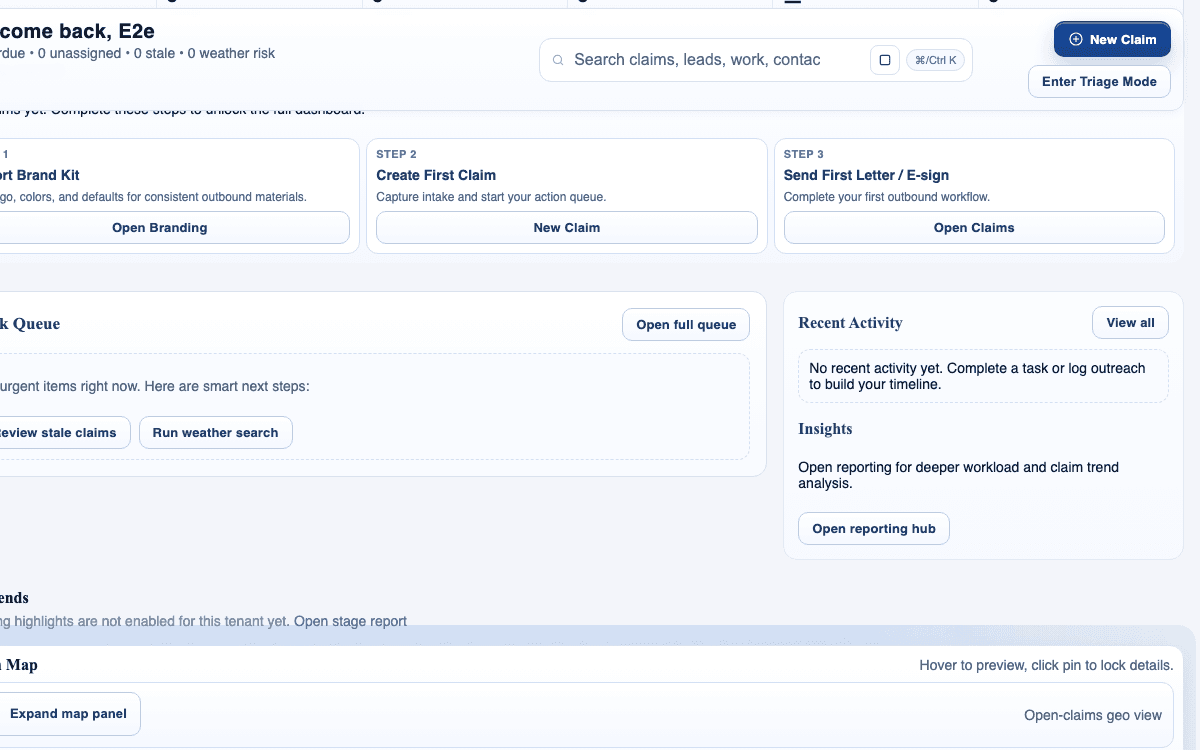
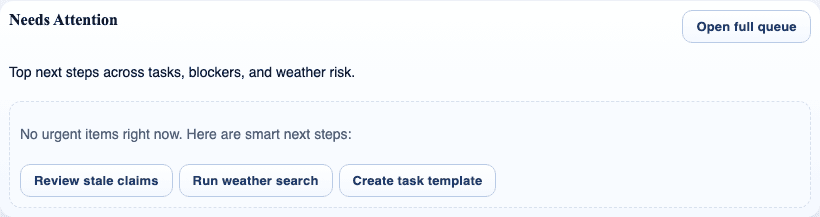
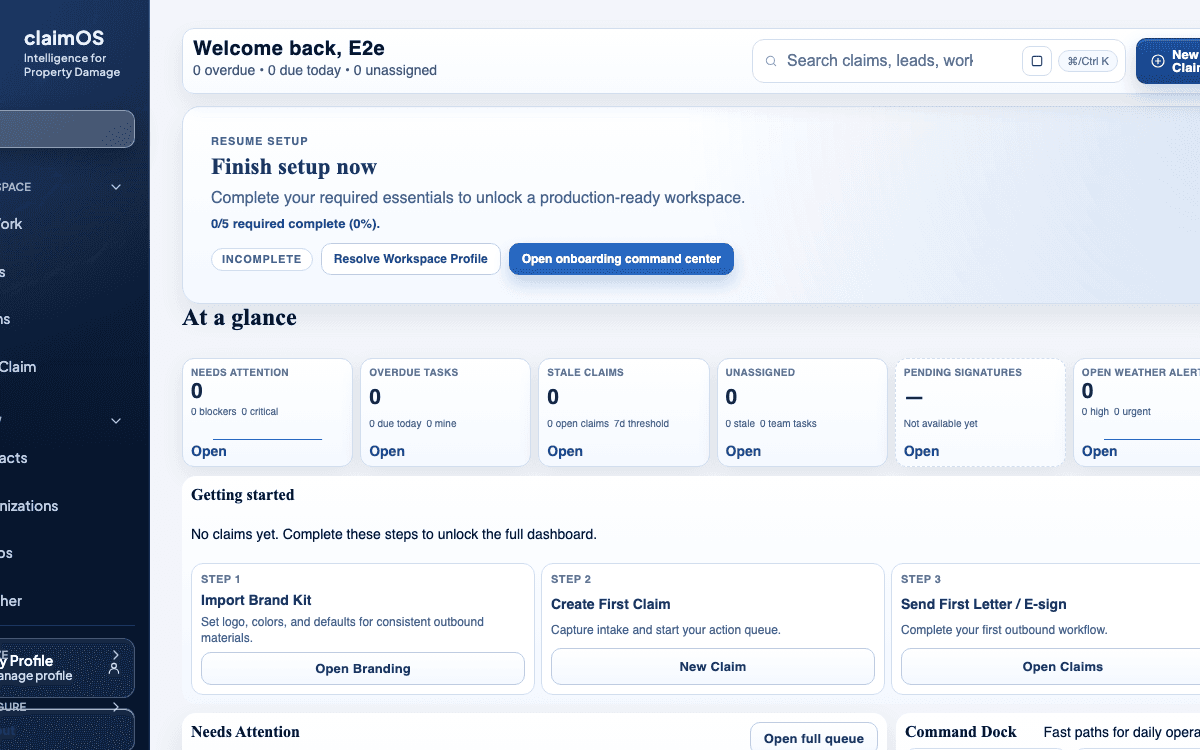
Watch the paired walkthrough
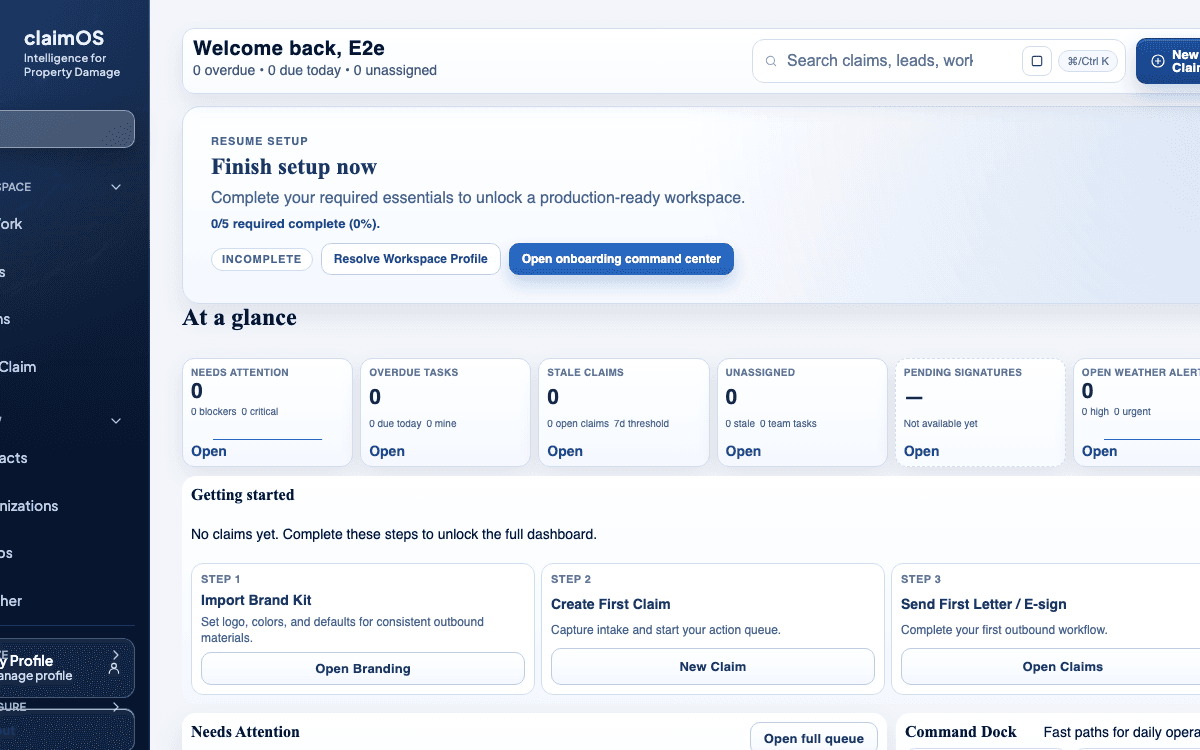
A quick visual tour of the claim workspace and the connected tabs teams use most often.
Start with the overview so status, ownership, and blockers are clear before you dive into detail work.
Watch related walkthroughFAQ
Use inbox workflows for real communication and response handling, then capture the important outcome back into the claim record when it matters operationally.
Yes. Transcripts improve accessibility, make the page indexable, and help users skim before they watch.
The claim should show who the signer is, what is waiting on them, and when the next reminder or review should happen so the send does not disappear into a separate delivery tool.
Resend only when delivery or signer confusion is the actual blocker. If the delay is operational, capture the reason in the claim and set the next review time instead of repeatedly pushing the same send.
Keep Going